Compact Flash Card / USB Memory Stick Compa II series
76 Operating manual 07.15
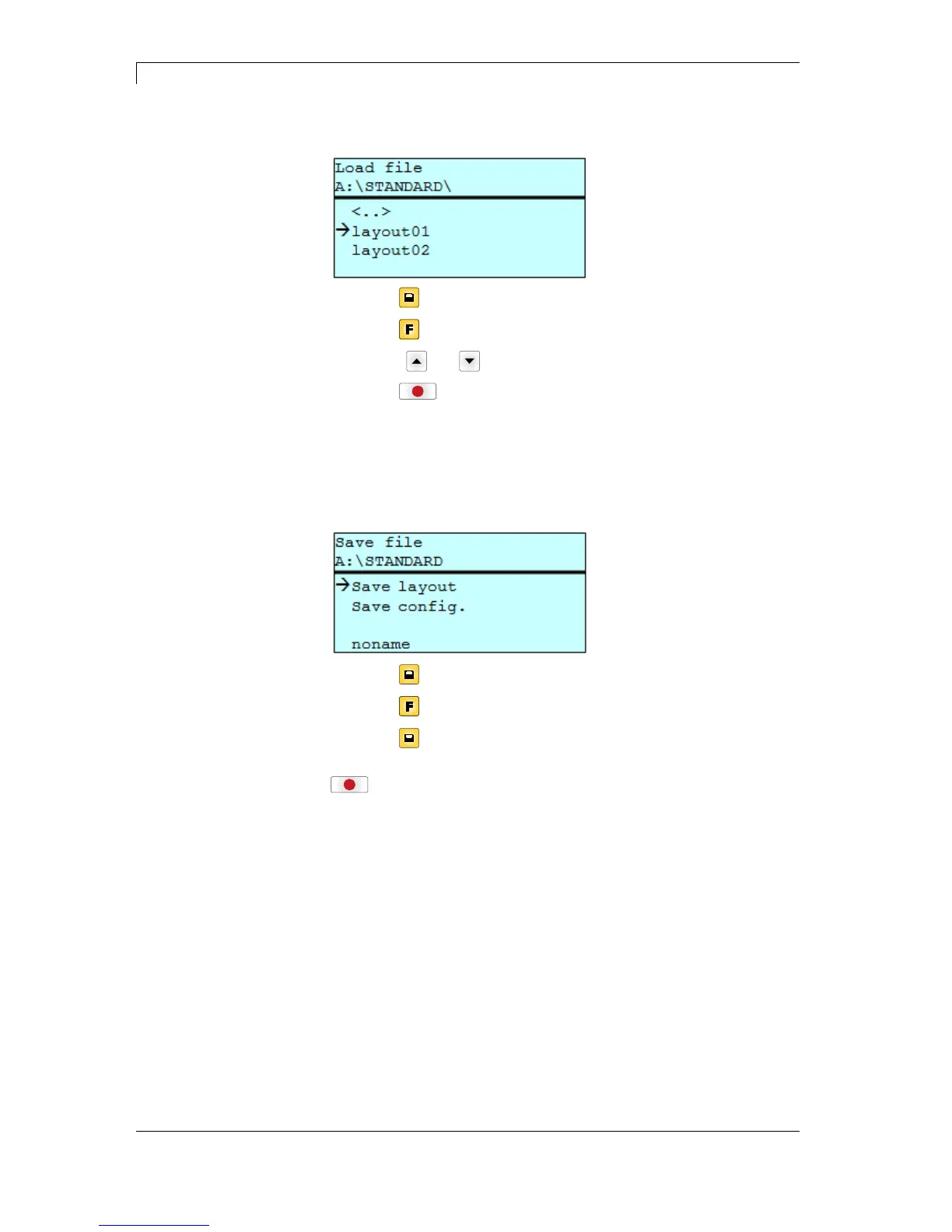
Loads a file. This can be a configuration saved before, a layout, etc.
Press key
to access to the memory menu.
Press key
to call the File Explorer.
Press keys
and to select the file.
Press key
to load the selected file.
If the selected file is a layout, then the number of copies to print can
be entered immediately.
Saves the currently loaded layout under the selected name.
Press key
to access to the memory menu.
Press key
to call the File Explorer.
Press key
to change to the menu Save file.
Selct the function Savel layout and confirm the selection with key
.
If an USB keyboard is attached a new file name for noname can be
assigned.
Load file
Save layout



 To Next Page