Compa II series Compact Flash Card / USB Memory Stick
07.15 Operating manual 77
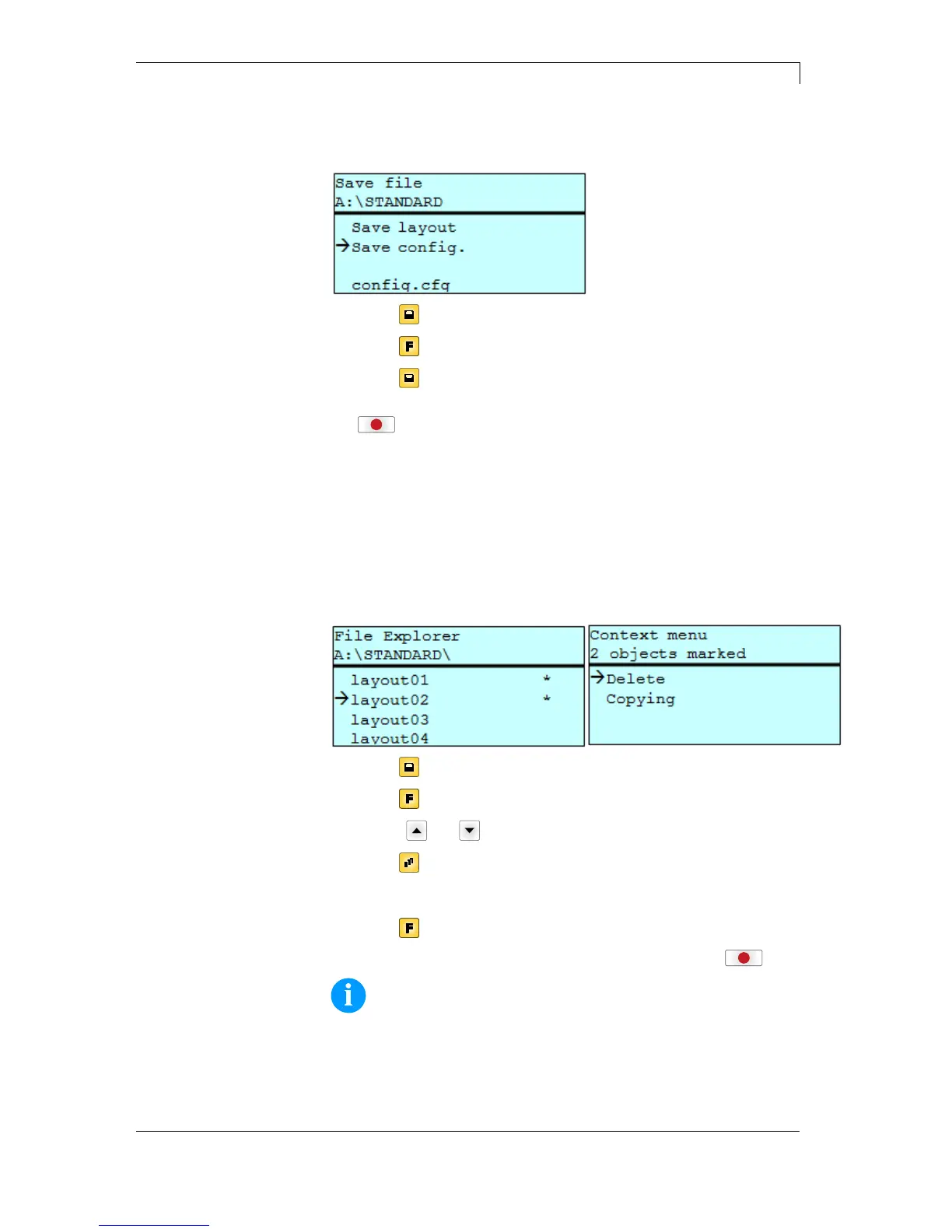
Saves the complete, current printer configuration under the selected
name.
Press key
to access to the memory menu.
Press key
to call the File Explorer.
Press key
to change to the menu Save file.
Selct the function Save configuration and confirm the selection with
key
.
If an USB keyboard is attached a new file name for config.cfg can be
assigned.
Deletes one or more files and/or directories irrevocably. With the
deletion of a directory both the contained files and the subdirectories
are deleted.
Press key to access to the memory menu.
Press key
to call the File Explorer.
Press keys
and to select the file.
Press key
to mark the files which are to be deleted. The marked
entries are listed with *. Repeat this procedure until all desired files
and/or directories are marked for deletion.
Press key
to call the context menu.
Select the function Delete and confirm the selection with key
.
NOTICE!
The deleting procedure is irreversible!
Save configuration
Delete file(s)



 To Next Page