CAP. 13 - MAINTENANCE 58 / 74 ENGLISH
ClimFill Maxi
Position of the fixing screws to be screwed using a cross-tip screwdriver.
11. Reconnect the electric cable to the mains and switch the device on using the
circuit breaker.
12. Carry out the automatic leak test requested by the software when switched on
again after the filter replacement.
13.3.1 MESSAGE FOR FILTER ALMOST EXHAUSTED
When ClimFill
®
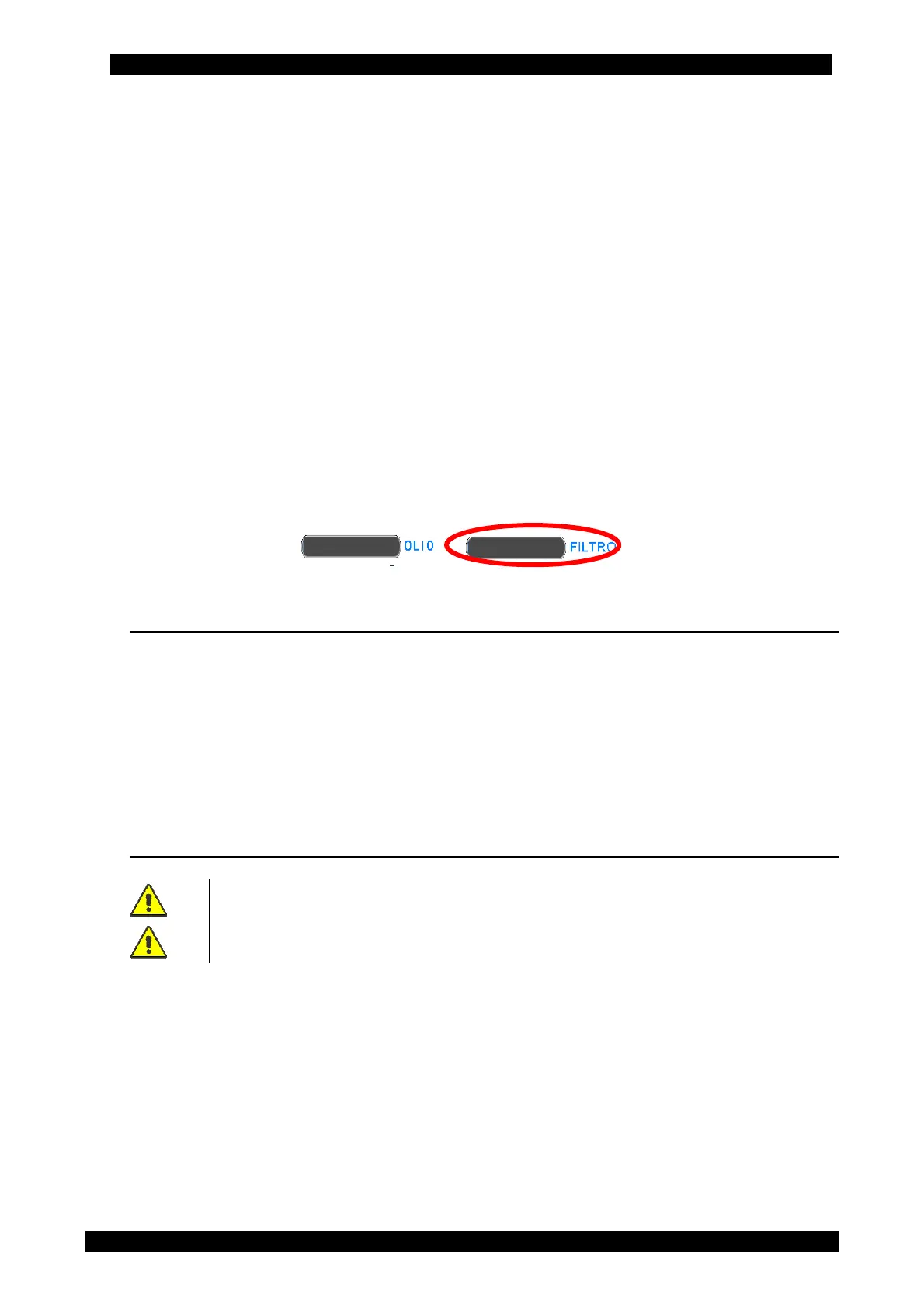
Maxi is switched on, if the filter is almost exhausted (that is 15 % before the
due date), a black bar is displayed as in the picture below.
13.4 COUNTERS
In the COUNTERS menu, at any time, the vacuum pump and compressor life in hours can
be displayed; besides, remaining time before replacement of vacuum pump oil and dryer
filter can also be displayed.
To access the COUNTERS menu, from the main menu enter the MAINTENANCE menu and
press COUNTERS. (For the touchscreen use, see chap. 5,11)
COUNTERS display the following information:
13.5 VESSEL FILLING (A/C SERVICE STATION TANK)
STRICTLY COMPLY WITH INSTRUCTIONS BELOW TO AVOID REFRIGERANT
DISCHARGE INTO THE ATMOSPHERE
ALWAYS FOLLOW THE INSTRUCTIONS ON THE REFRIGERANT
MANUFACTURER'S SAFETY SHEET IN FULL
From the main menu select MAINTENANCE and press “VESSEL FILLING”.
Set the quantity of gas to fill and follow the guided procedure shown on the display.
Check that the equipment hoses are not connected and positioned in the hose winder.
Start the procedure that initially creates vacuum in the inner cylinder, this phase lasts over
20 minutes and acts on the whole equipment. A timer is displayed on the screen to show
the duration of this operation.


 To Next Page