CAP. 5 - GENERAL DESCRIPTION 26 / 74 ENGLISH
ClimFill Maxi
5.10 FUNCTION KEYS
ClimFill
®
Maxi function keys are listed below:
Refrigerant
amount
By pressing this key for at least 2 seconds, the refrigerant amount to be
charged inside the vehicle A/C system may be modified. Once the
value has been changed, press the icon again to quit.
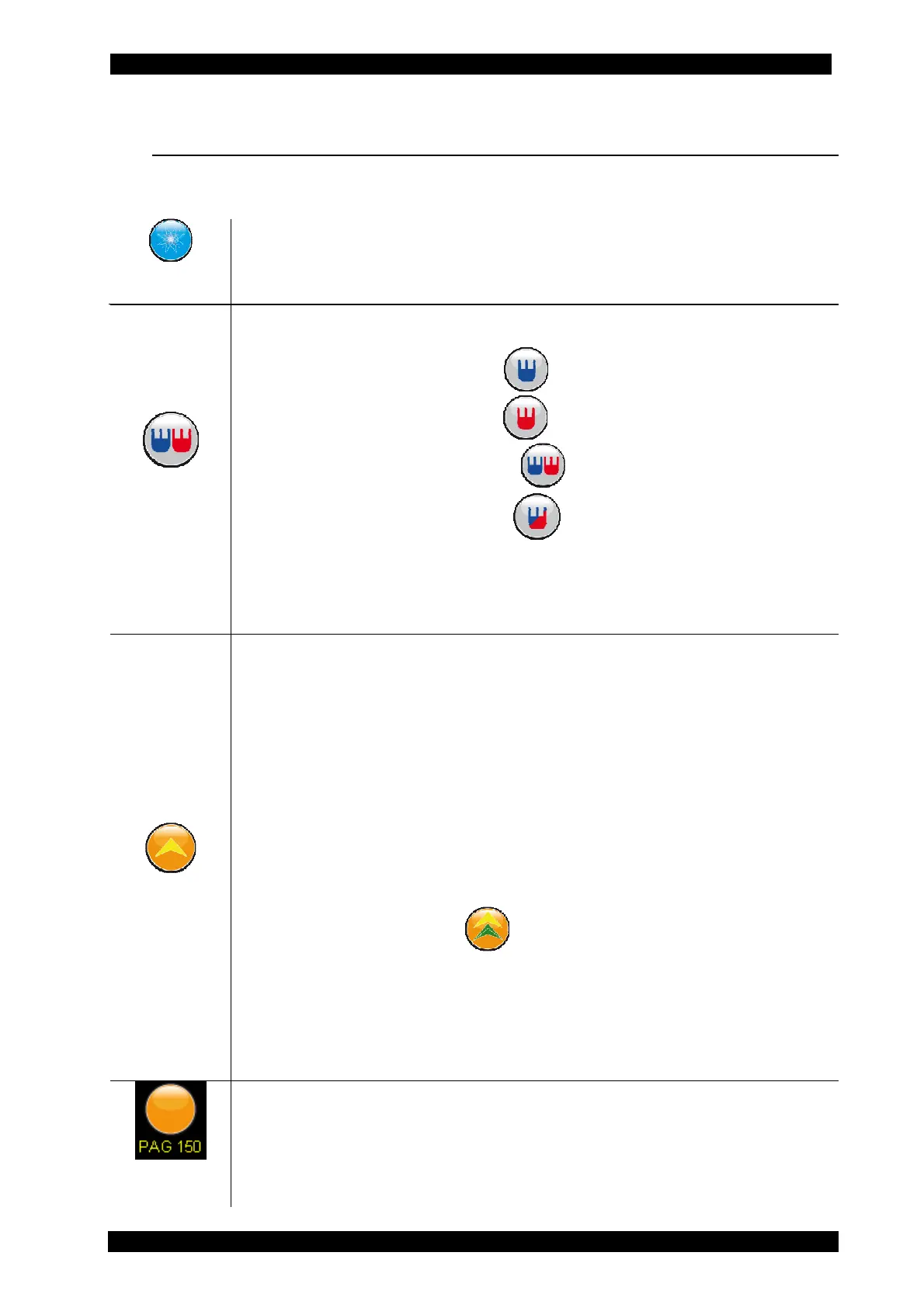
System type
By pressing this key for at least 2 seconds, the type of system to which
ClimFill
®
Maxi will be connected may be set:
• A/C system with LP only
• A/C system with HP only
• A/C system with LP and HP
• A/C system with HP (LP) *
*Several Renault vehicles (in particular Megane II, Scenic II, Laguna II) are equipped with just one coupler: its size
is that of an HP coupler but it may actually be an LP coupler.
If the database is enabled, the amount is obtained directly from the
database.
Oil Injection
Press the button to select the following oil injection modes:
• No OIL: does not inject new oil inside the A/C system
• REC+: the same amount of new oil is recharged plus an
additional amount of oil (initially set at 0 g) to replace the
discharged oil.
• Oil: charges the desired new oil amount (according to the
manufacturer instructions)
By pressing the icon once, the different operating procedures change.
Hold down for at least 2 seconds to set the amount of new oil to be
injected into the vehicle's A/C system (arrow up or down).
Press the button twice (like a mouse double click) to determine
whether to also add detection dye into the A/C system. If so, the
button changes as follows:
If the database is enabled and the vehicle is included inside it, the
INFO to display the new oil amount to be injected into the specific
system may be consulted. Unlike oil, detection dye is not weighed,
therefore the amount of injected fluid will be timed (about 8-10 ml of
detection dye).
Press the button to select the following oil types:
• PAG46
• PAG100
• PAG150
• POE
When switching from PAG oil to POE oil, cleaning must be mandatorily


 To Next Page