23
9
Press the HOME button to
return to the dual inactive home
screen.
10
For technician - net connection.
By correct code you can access
to connection between touch
screen and computer, TV…
11
Use this function to enter in
PASSWORD screen. Digit
password to RESET factory
settings (cancel all changes). All
saved values will be cleared.
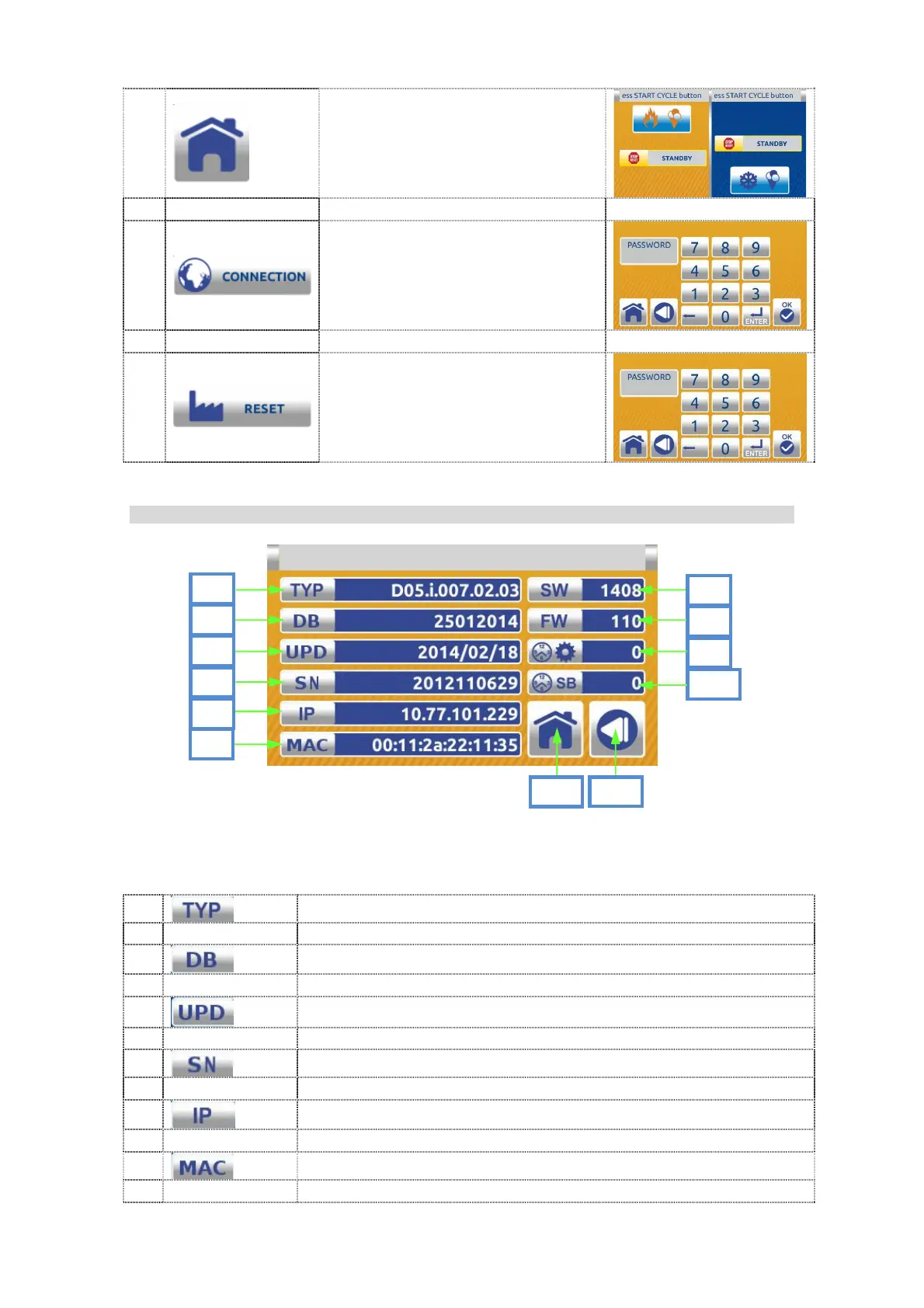
7.1.1.4 Info menu screen:
DESCRIPTION:
1
Type of the machine.
2
Number of the data base.
3
The date of the last update.
4
Serial number of the electronic.
5
IP number.
6
MAC address (media access control address)


 To Next Page
 Loading...