61
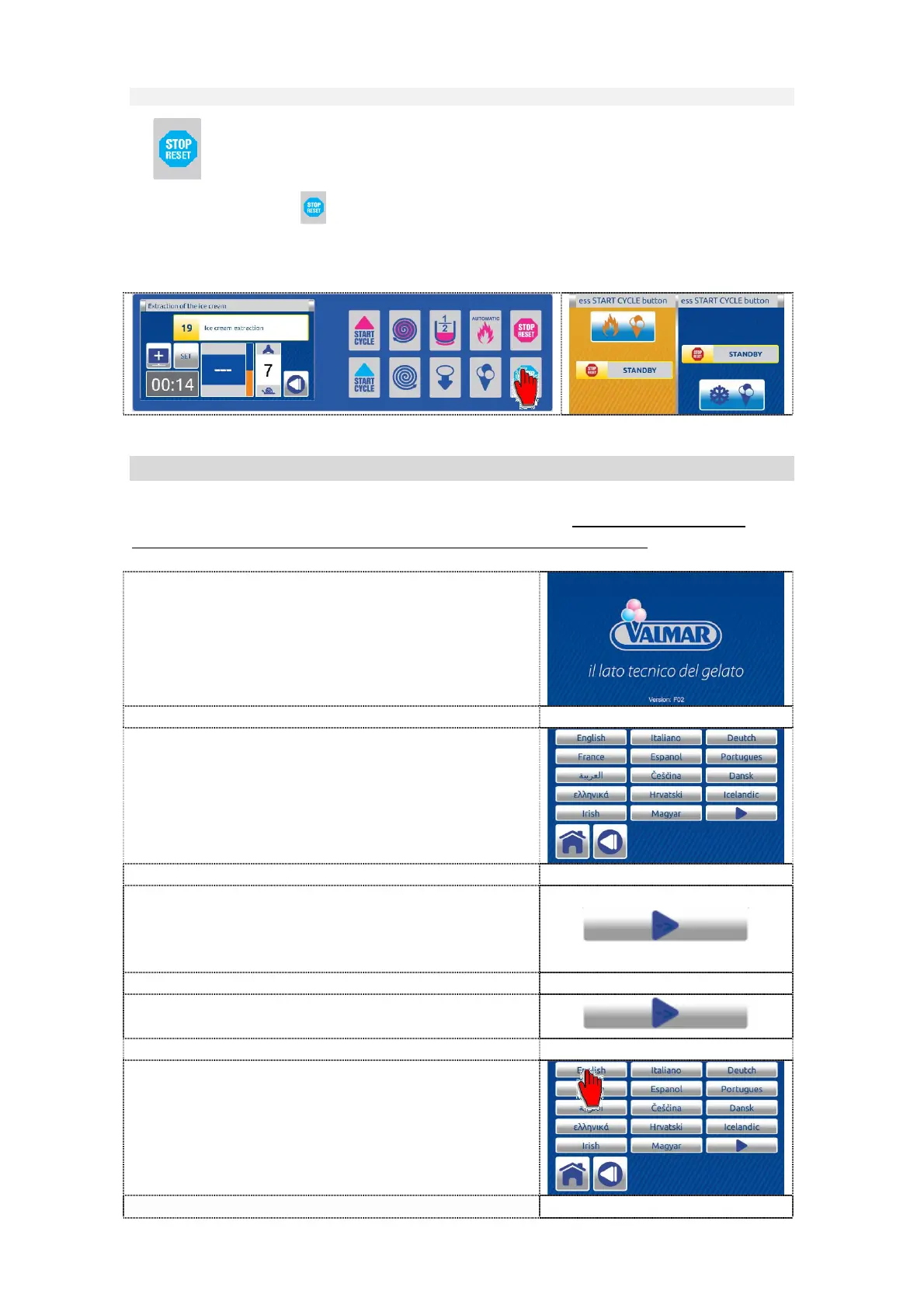
7.3.1.9 Key STOP / RESET
The STOP button stops all active function, operation, program of the
machine indifferently in which phase the machine is.
The dual inactive HOME screen is displayed.
7.4 FIRST USING OF THE MACHINE
At the first using is necessary to select the language. If the language is not
selected machine after 30 seconds chooses English language.
1. Wait for the software to upload.
2. After Valmar screens, the LANGUAGE
SELECTION screen is automatically
displayed.
3. Select the desired language. If it is not on
the screen, press the button to enter
language selection screen 2.
4. To return to language selection screen 1
press the button
5. Press the button corresponding to the
desired language. The notice - confirm
screen is displayed.


 To Next Page
 Loading...