30
9
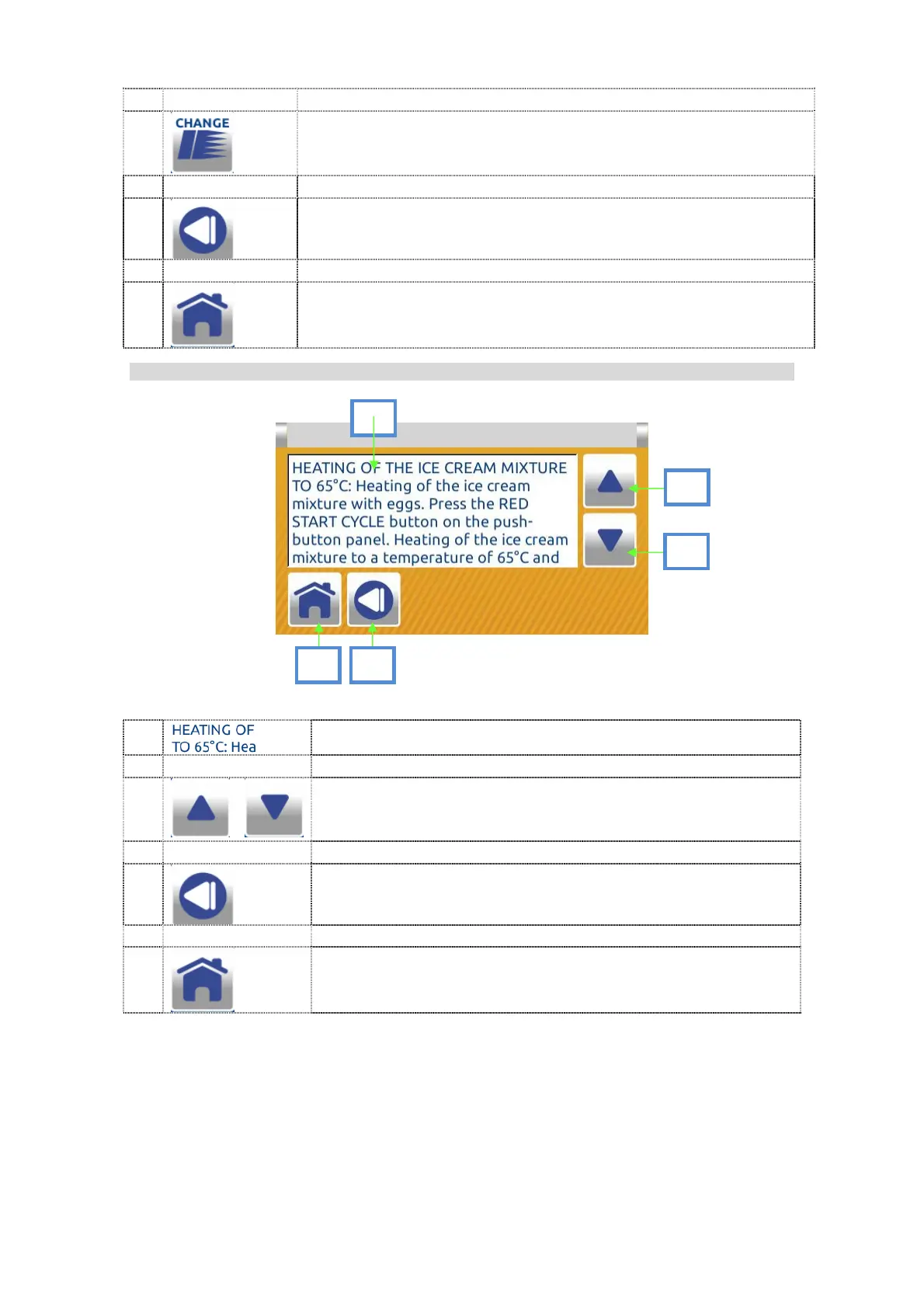
Press CHANGE to set the program and link it with one of the
four hot start buttons on the push-button panel and on the
main display.
10
Press BACK to return to the previous screen.
11
Press HOME to return to the dual inactive home screen..
7.1.1.7 Program list tekst screen:
1
Program description text
2
...
Cursor UP and DOWN.
Use the arrows to scroll the text
3
Press BACK to return to the previous screen
4
Press HOME to return to the dual inactive home screen.
Press the program info button to have a description of the selected program and
information on how to use it.
1
2
3
4
2


 To Next Page