9
Screen settings
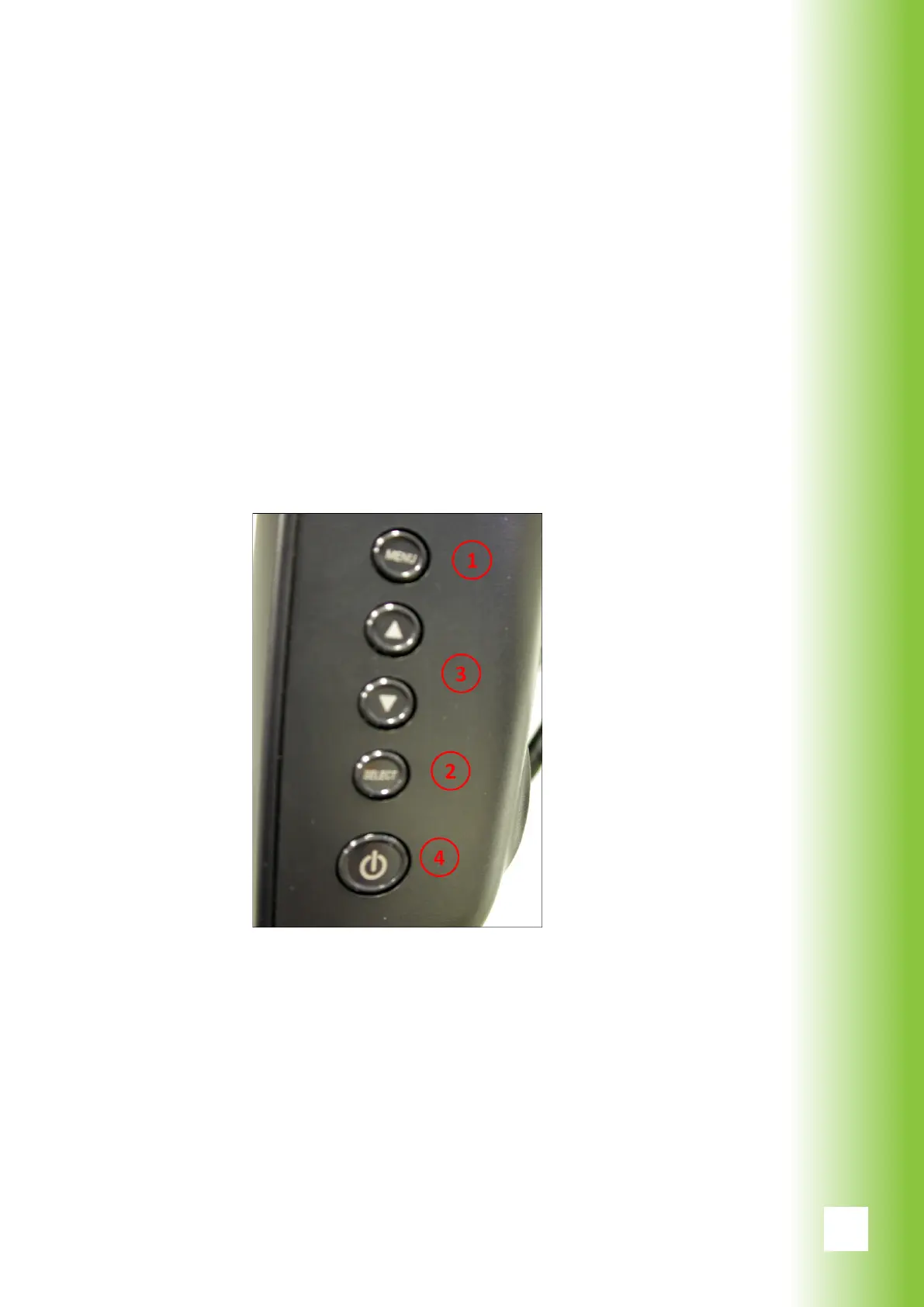
The basic screen settings are adjusted with the buttons
on the right side panel of the monitor. To enter the setting
mode press the Menu button (1) and choose the setting
you want to change by the Select button (2). Use the arrow
buttons (3) to adjust.
The side panel also contains the Power button (4) of the
moni-tor. If the screen is not activated when the system is
turned on (from the key switch), use the Power button to
activate the screen.
5. System Description



 To Next Page