13
5.5 Smart Wheel
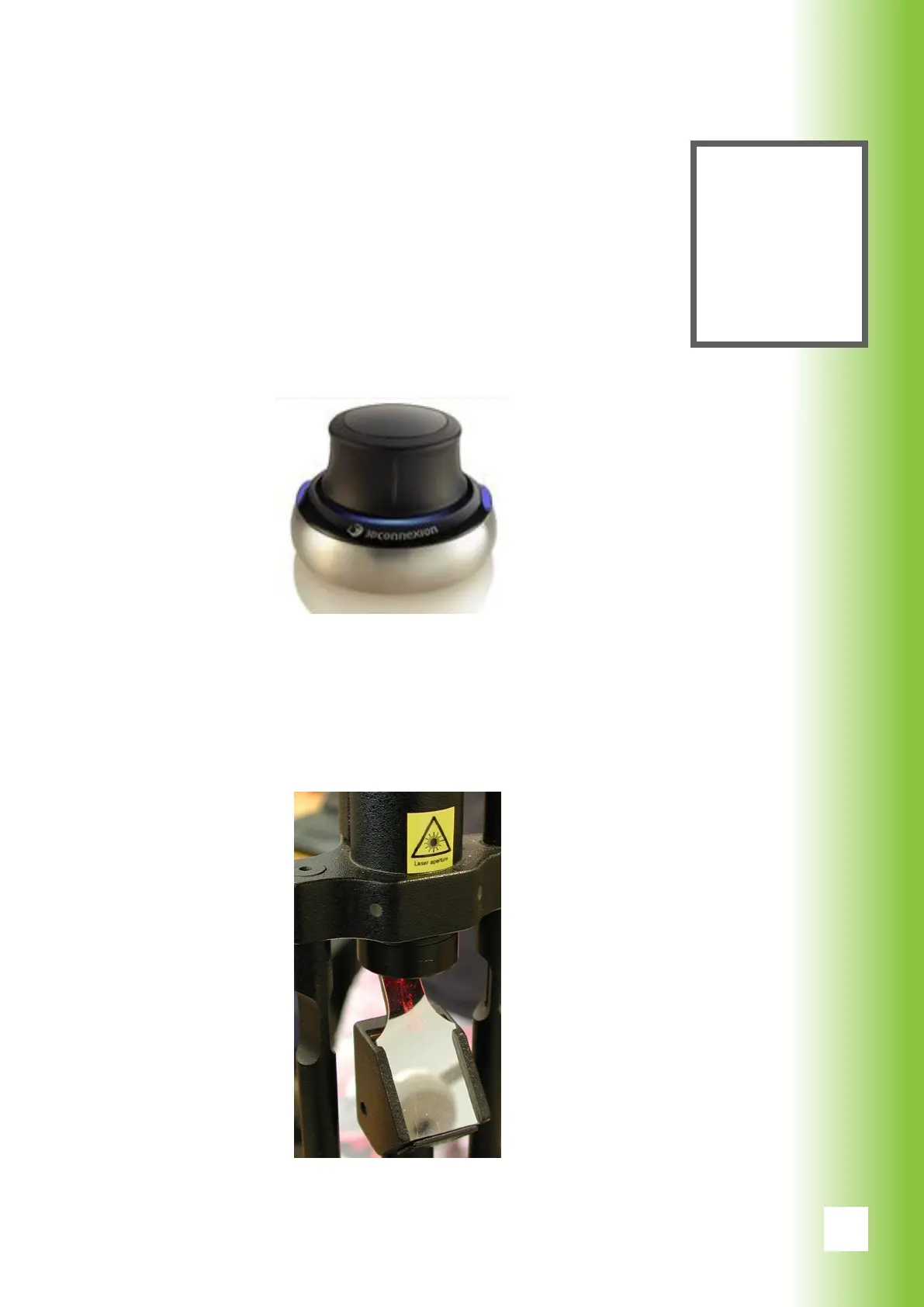
The smart wheel is a manual control button that allows the
user to change gure, gure size, gure position, gure
orientation and power during the treatment without having
to use the touch screen.
The smart wheel is connected to the USB-port of the com-
puter which is located under the screen.
5.6 Laser Aperture
Laser aperture is situated on the slit lamp and it is marked
with laser aperture sticker.
5. System Description
Note
The applica-
tions of the
smart wheel
are presented
in section
6.2.8.



 To Next Page