21
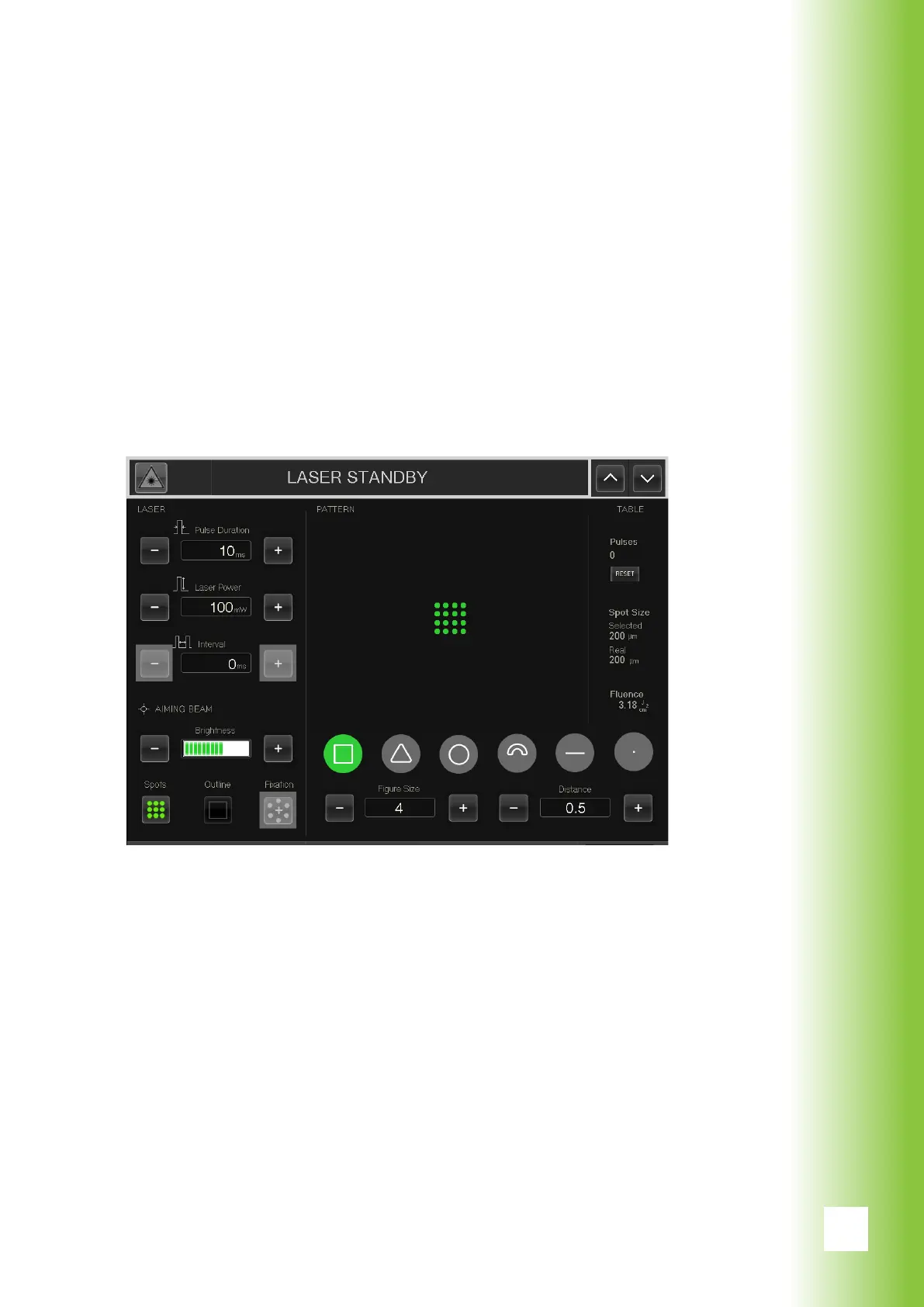
6.2. Using the software
6.2.1. Graphical user interface (GUI)
1. When the computer is on, the GUI of the program ap-
pears on the touch screen.
2. The black bar (1) on the top part of the menu shows the
current laser status. (”Laser disabled”) The pilot laser
and the treatment laser are both inactive.
3. The available settings are described on the following
pages.
6. Using Valon
(1)



 To Next Page