20
6.1.3. Adjusting the Binocular Lenses
1. Adjust the focus of one eyepiece by checking if the
focusing stick is seen in focus (laser is not active). If the
focusing stick is not in focus, adjust the diopter settings
of the eyepieces to a suitable position.
2. Then focus the other eyepiece similarly.
6.1.4. Selecting the Spot Size
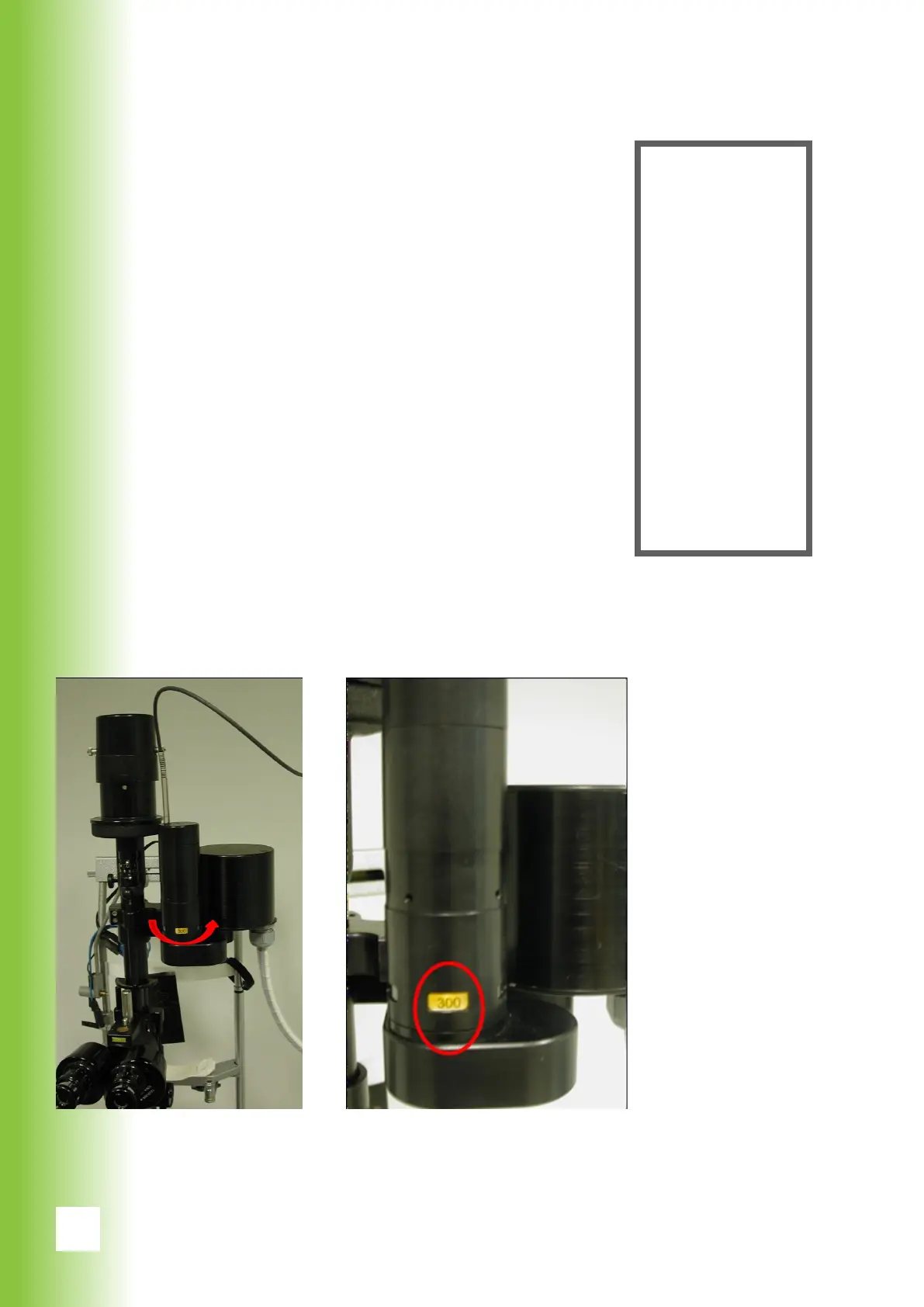
1. Choose the suitable spot size by rolling the revolver. A
larger spot size is chosen by turning the revolver clock-
wise.
2. Available spot sizes are 50 μm, 100 μm, 200 μm, 300
μm and 400 μm.
3. The resulting spot size is shown on yellow background
on the revolver and as a eld on the GUI when the pro-
gram is on setting mode.
6. Using Valon
Warning!
In case the
lenses are not
adjusted, the
focus of the
image and the
spots are not
on the same
plane. Thus
the coagula-
tions may
exceed or
undershoot the
correct depth
in the retina.
Changing the spot size The spot size display



 To Next Page