29
6.2.8.5. Changing the power
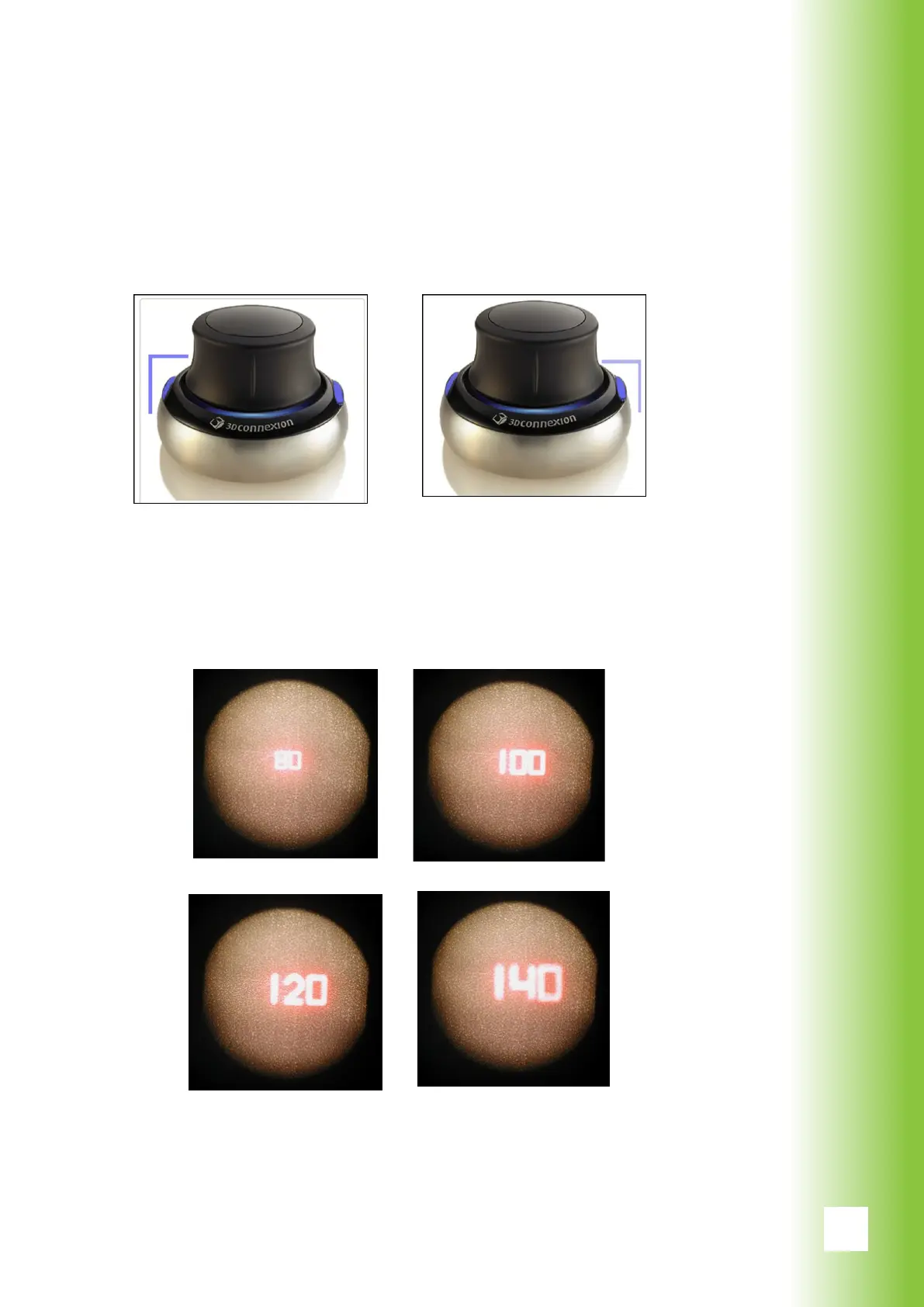
The laser power can be changed by pressing the smart
wheel buttons. To increase the power press right button
and to decrease the power press the left button.
When the power is changed with the smart wheel, it is
shown by the aiming beam for 1 s. During this time, the
foot switch and the smart wheel are inactive to lower asso-
ciated risks. The font size depends on the spot size.
6. Using Valon



 To Next Page