27
6.2.8. Applications of the Smart wheel
6.2.8.1. Changing the pattern
• Press the button once to change to
another gure
• The gures change in the following
order:
Square → triangle → Circle →
Arc → line → Single spot
6.2.8.2. Changing the pattern size
Tilt the smart wheel left or right to in-
crease or decrease the size of the pat-
tern.
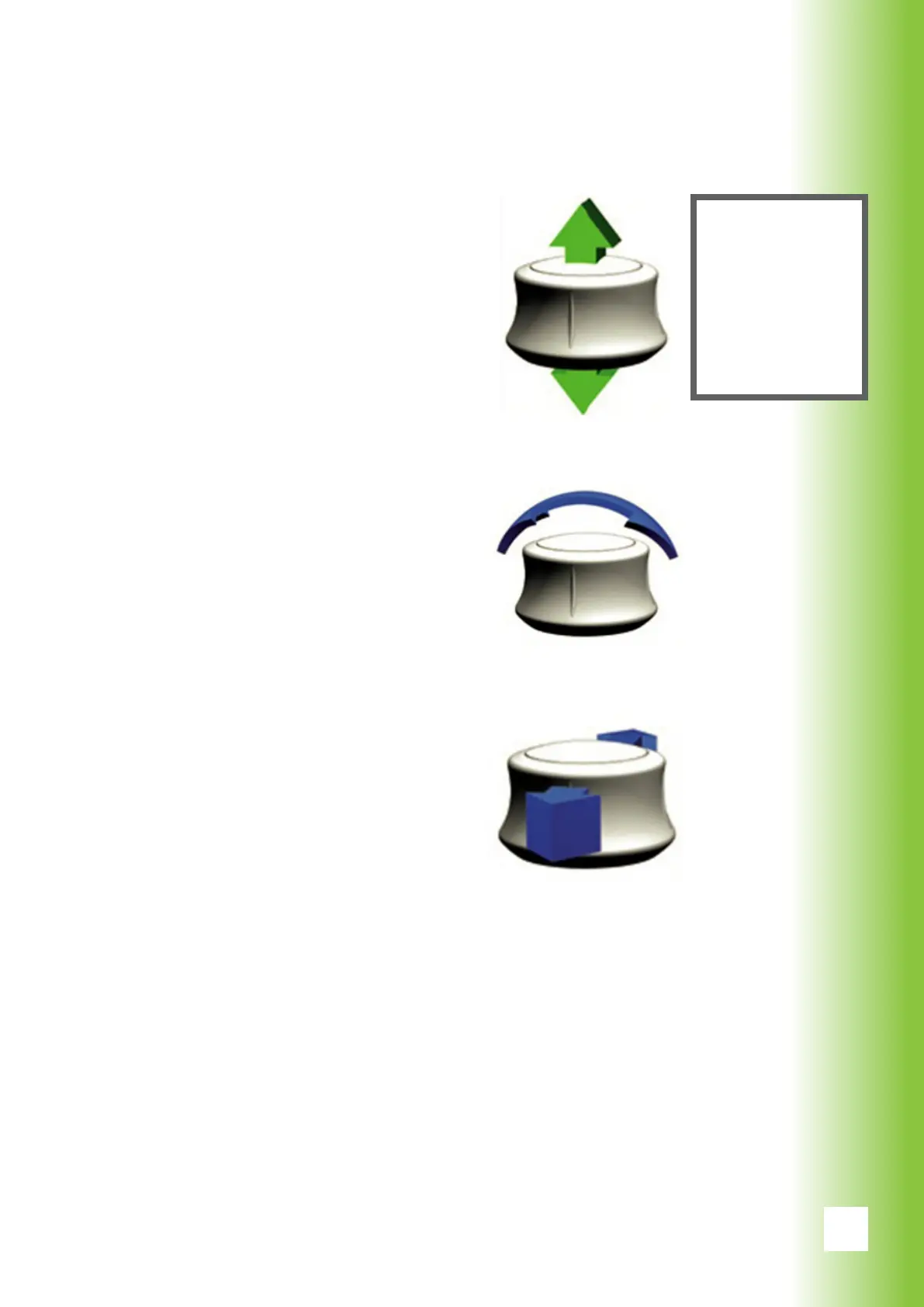
6.2.8.3. Using the micromanipulator
The smart wheel can be used as a
micro-manipulator by moving the but-
ton in a plane.
6. Using Valon
Note!
More on the
selection and
applications of
the patterns
can be read at
section 7.



 To Next Page