32
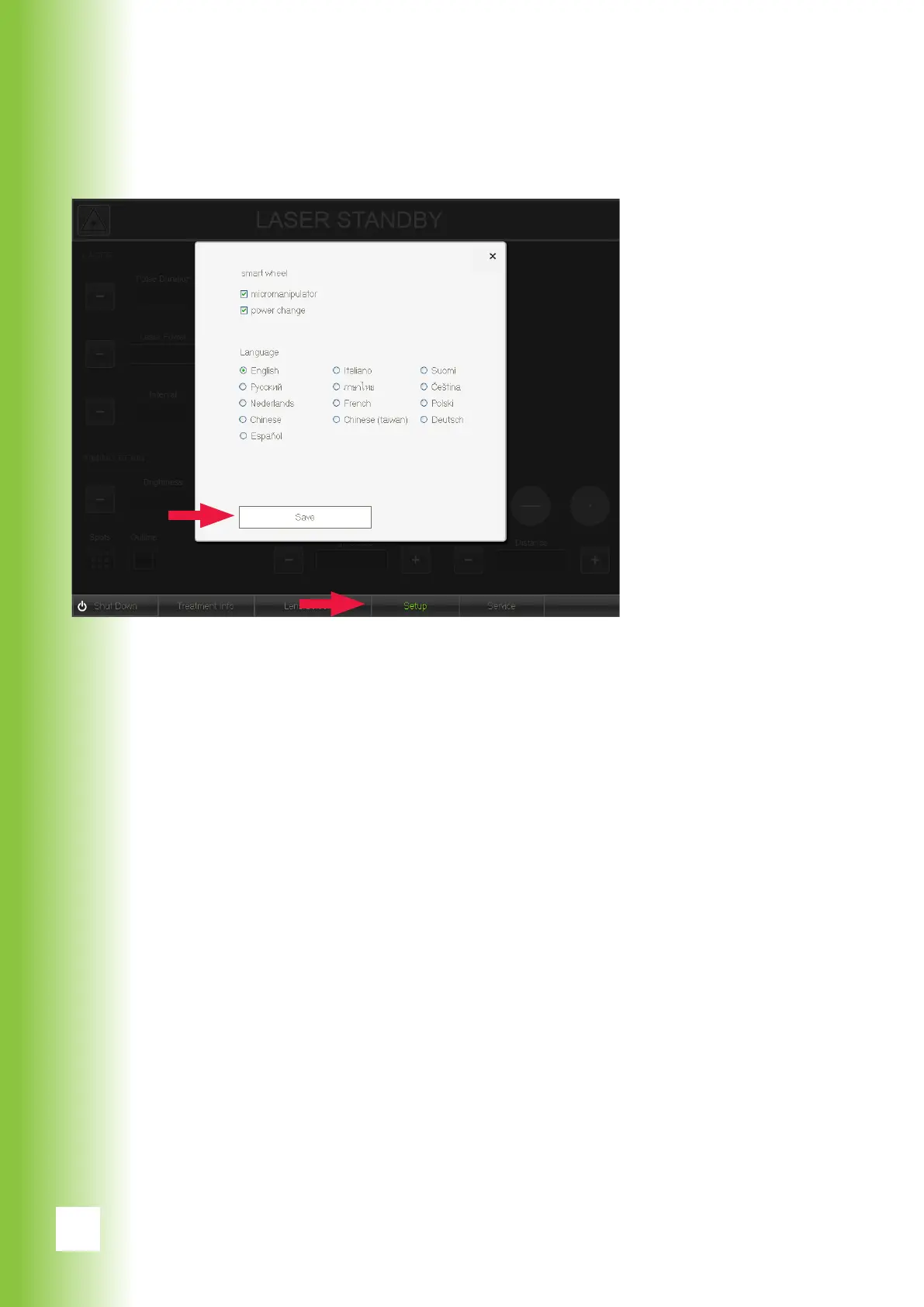
6.2.11. Setup
Setup menu can be used for changing the settings of the
smart wheel and language.
The micromanipulator and power adjustement features
available on the smart wheel can be turned off by unmark-
ing the boxes in the upper section of the setup screen.
Select the language of the software by pressing the corre-
sponding language button.
After changing any settings press save to enable new set-
tings.
6. Using Valon



 To Next Page