35
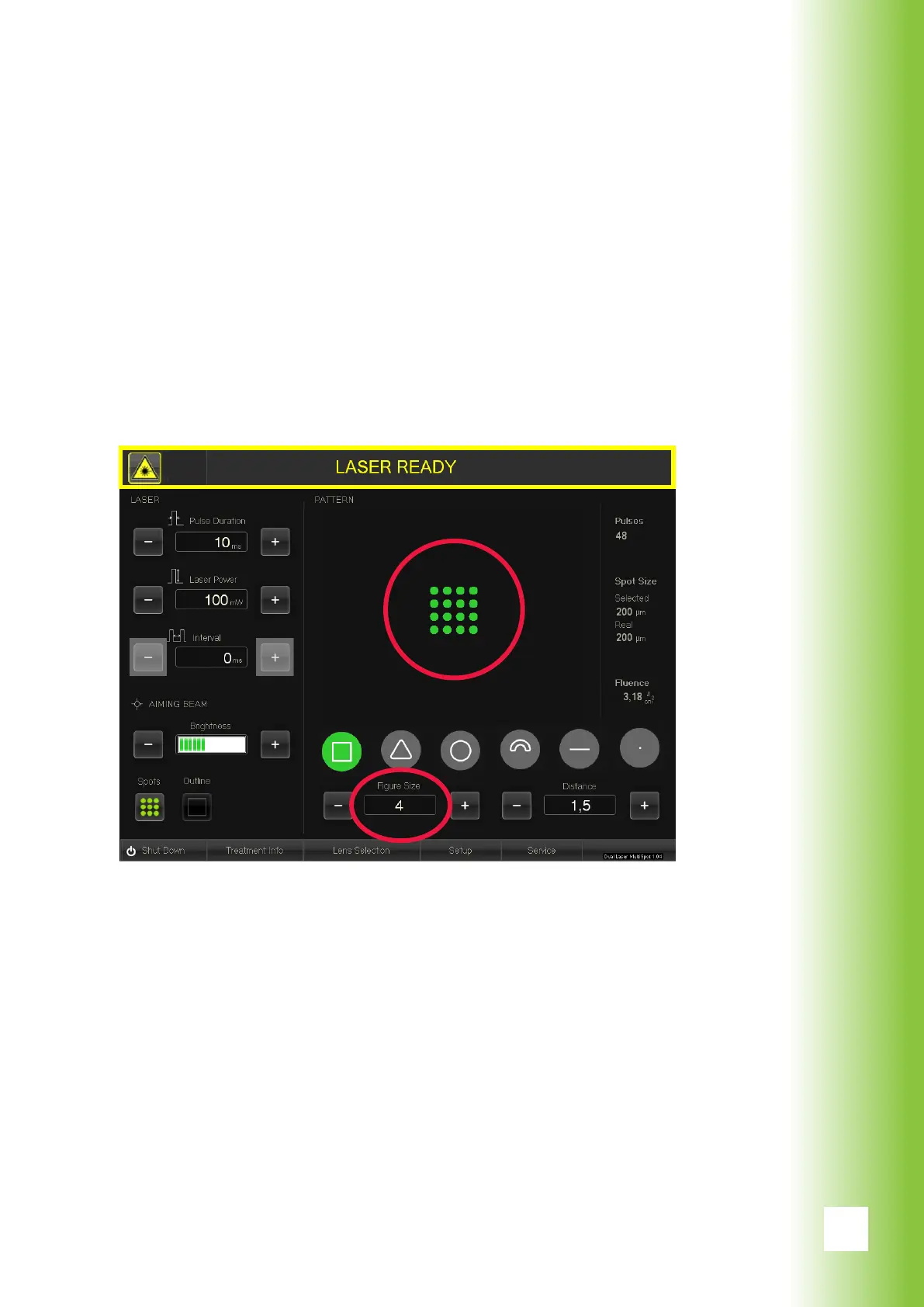
The software enables the use of six different patterns and
thereby makes the system multifunctional and exible. It
provides the ability to choose a pattern, pattern size and
orientation of the pattern optimal for the target tissue.
These settings can be changed both with the GUI by press-
ing the +/- or by touching the pattern on the screen and
with the smart wheel (see section 6.2.8).
In the following pages the patterns are presented in all
available sizes, both in the form that is drawn to the retina
and on the GUI.
7. Patterns



 To Next Page