43
This section presents the possible error message types
that are shown to the user in case the program recognizes
an error. The possible error messages are divided to ve
categories, that are specied below. All error codes are
listed in the service manual.
10.1. Conrmable Errors
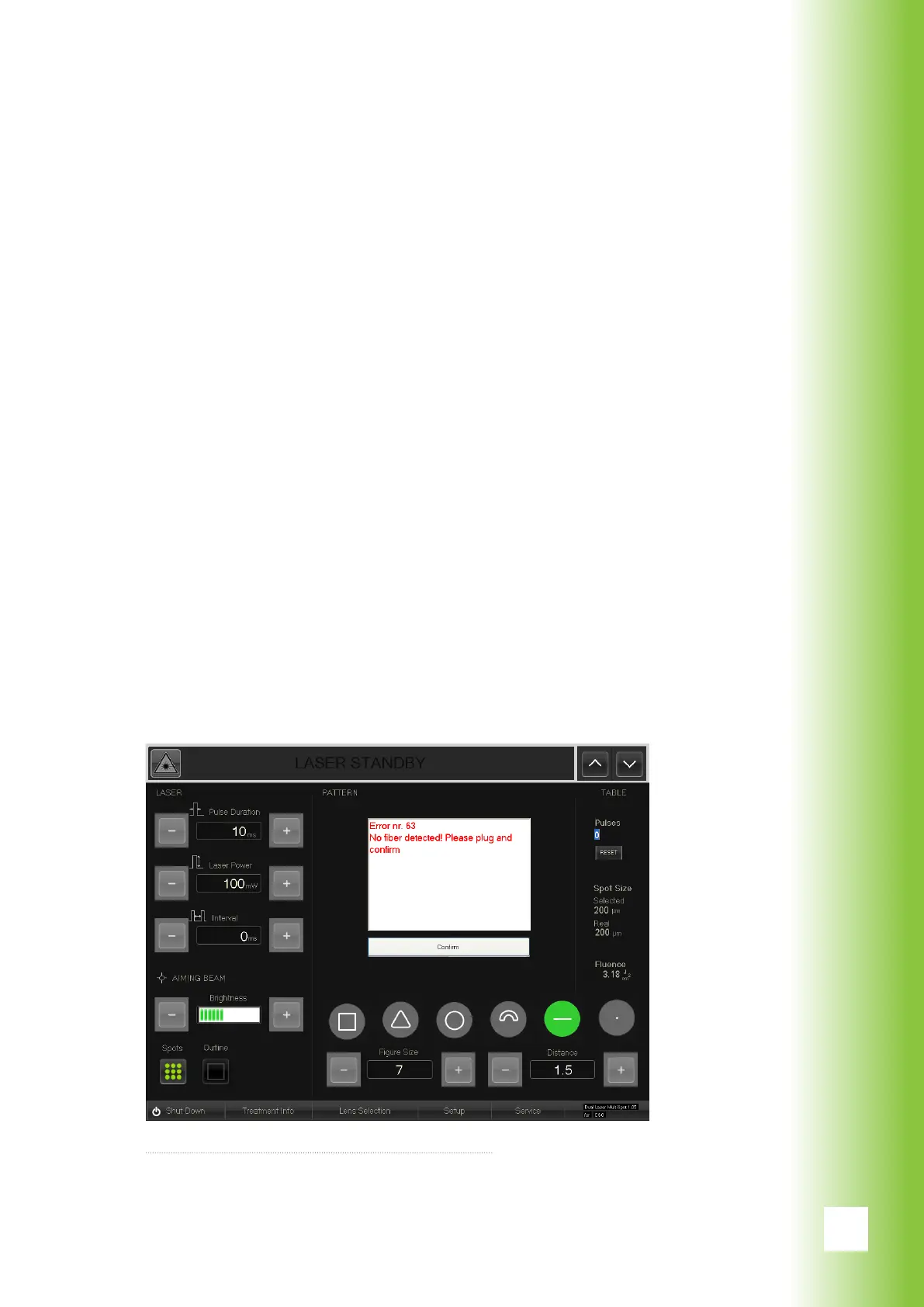
Conrmable errors can basically be inuenced by the user.
In case a conrmable error occurs, a text box declaring
the character of the error appears on the screen area that
usually presents the pattern preview. The message con-
tains instructions for solving the program and a ”Conrm”
button. With the button the user conrms having followed
the instructions. While the conrmable error message is
displayed, all other buttons are inactive and the laser is
disabled.
When the ”Conrm” button is pressed, the system controls
whether the error is solved. If this is not the case, the con-
rmable error message reappears on the screen.
10. Errors
Possible conrmable error message



 To Next Page