45
It acts similarly to the case of a non-conrmable error: the
laser is disabled, the buttons of the GUI are inactivated
and the user is requested to press the OK button that shuts
down the program.
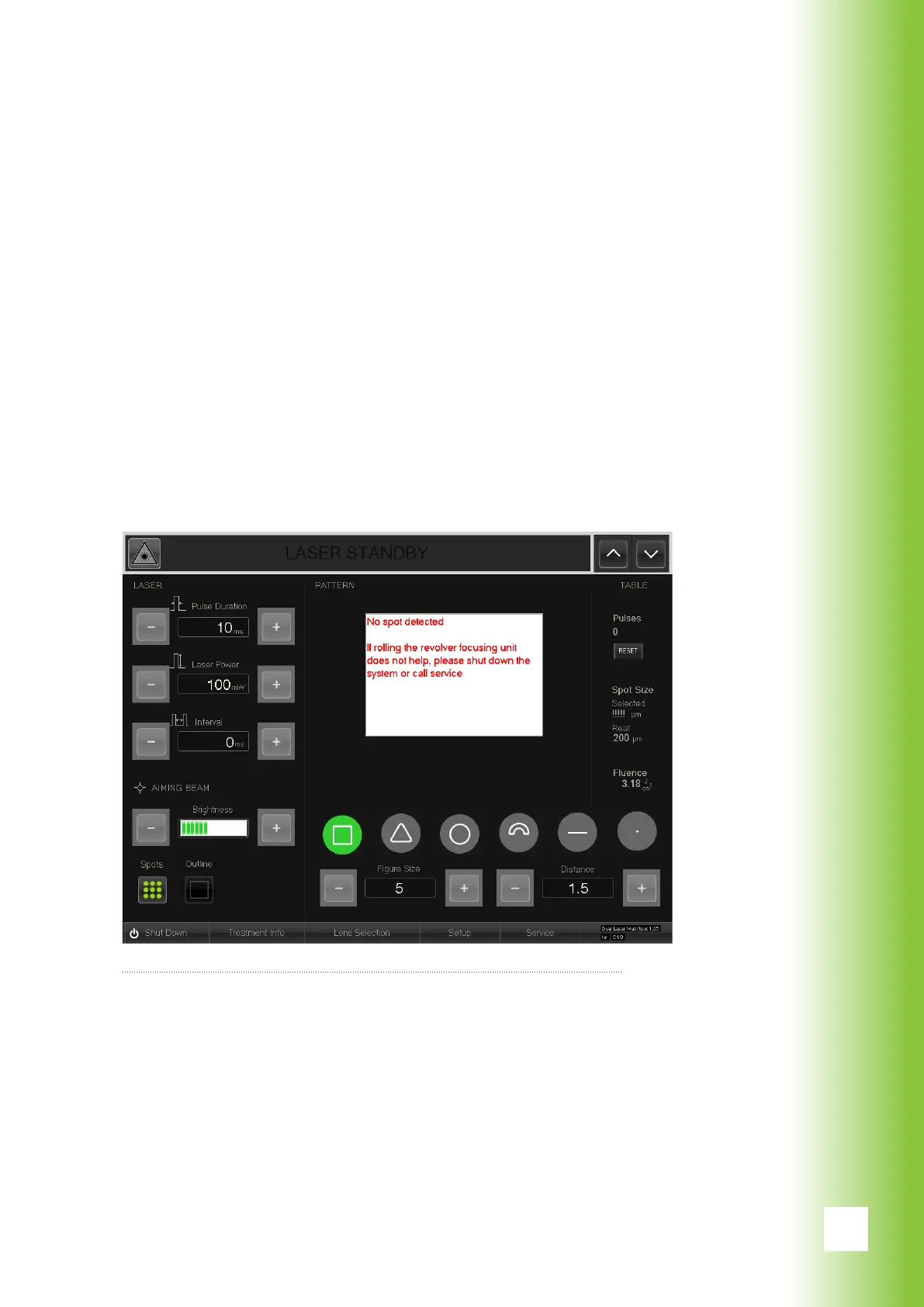
If the revolver somehow remains between two spot size
modes or one of the reed switches of the spot recognition
is defected, the system may not recognize any spots. An
error message appears on the screen.
If changing the spot size on the slit lamp adapter helps, the
program returns automatically to normal state. However,
if it does not help, the system should be shut down or the
user should contact service.
10. Errors
Error message caused by possible spot recognizion problem



 To Next Page