30
Chapter 4 Getting started
4.1 Starting the image viewer software
Make sure that
z All the connections between the PaX-Primo i and the PC are properly connected.
z The PC is turned on.
To start the imaging software, follow these steps.
1. On your desktop, double-click EasyDent or Start>All Programs>EasyDent.
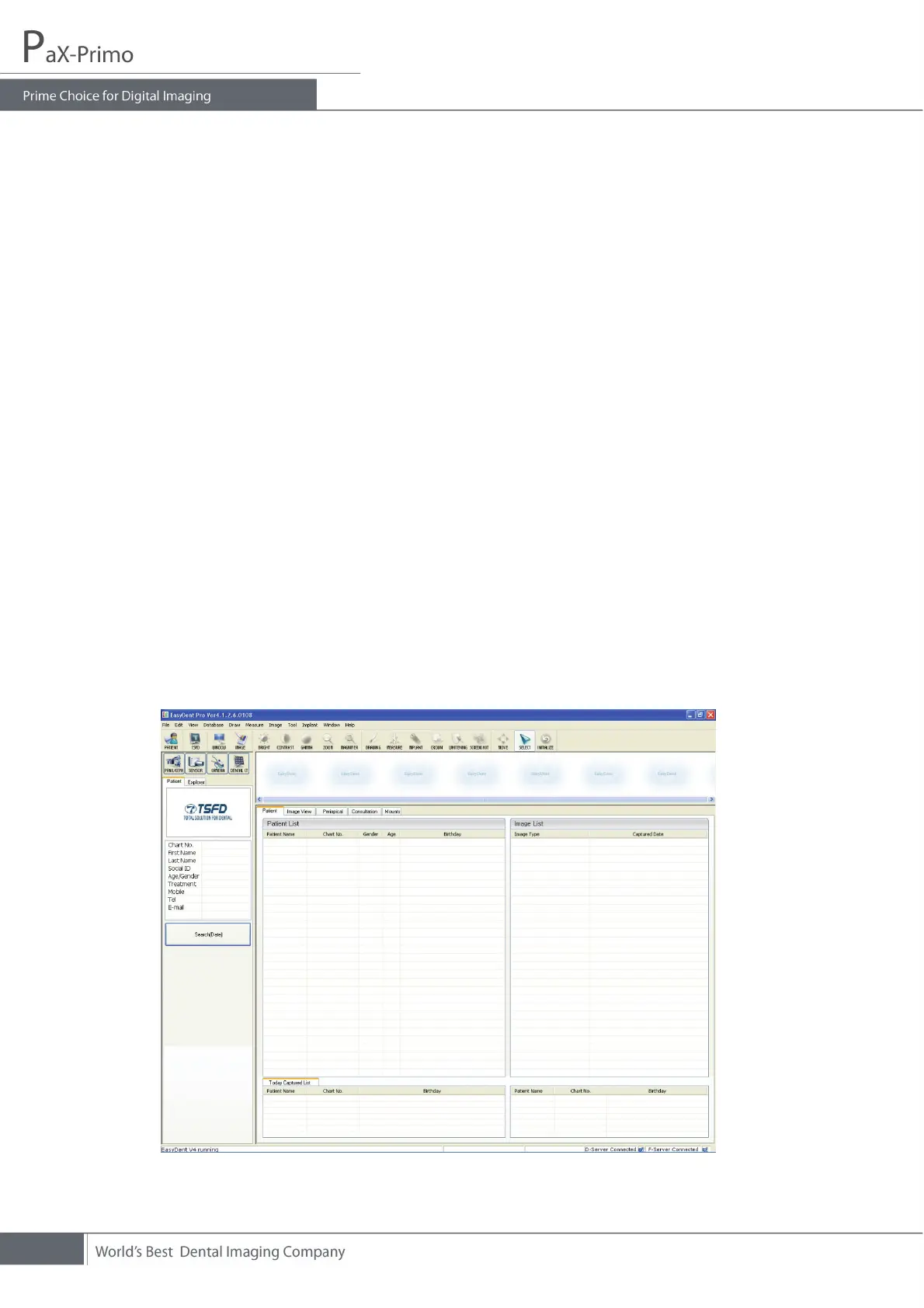
Then a blank EasyDent main screen will be displayed.
2. Create or open an existing patient record.
4.2 Creating a patient record
To create a new patient record, follow these procedures.
1. Run “EasyDent”, then the following main screen will come up.














 To Next Page