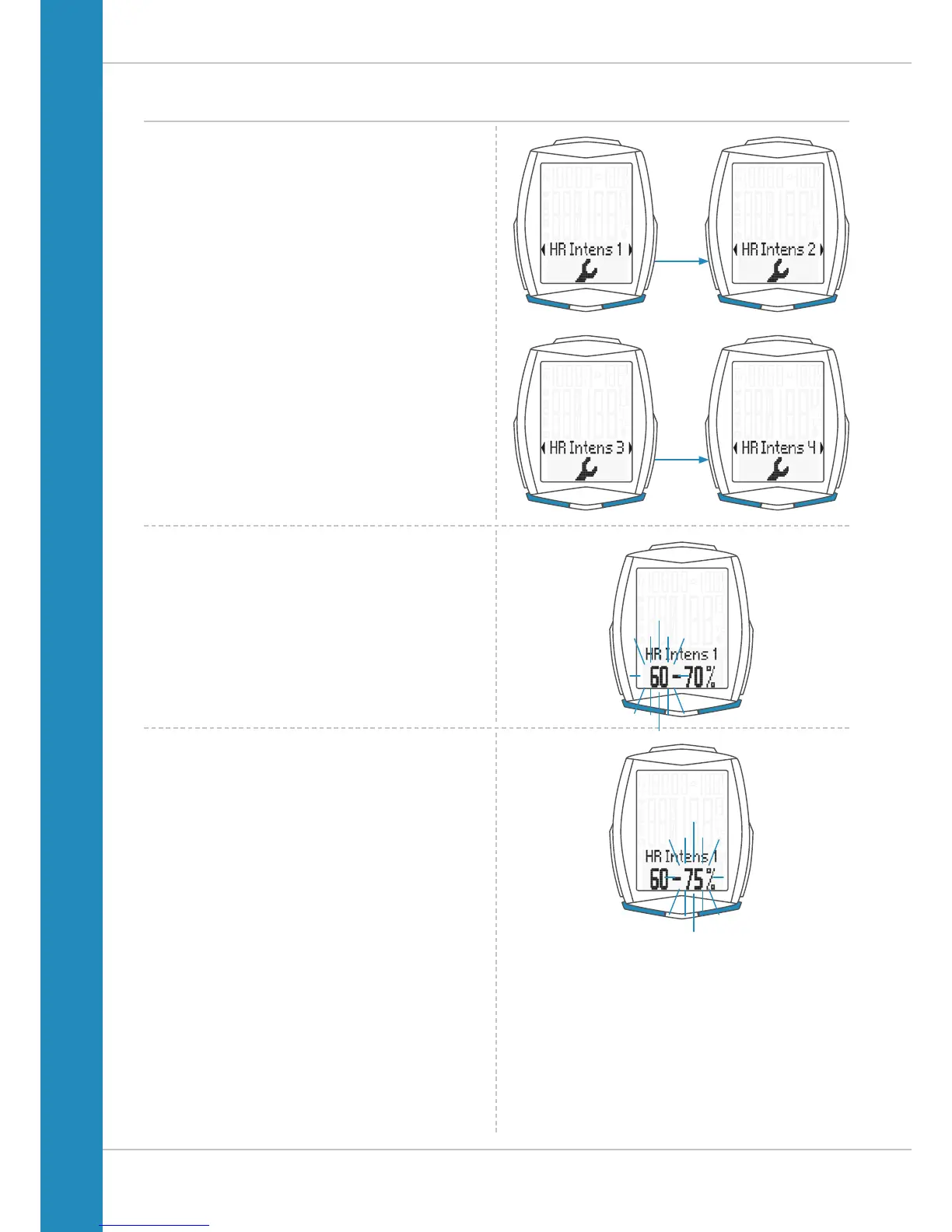
Settings – heart rate intensity zones
Now press the BIKE or TPC button to select the setting for
intensity zones 1 to 4.
Press the SET button to confirm the selection.
The setting for the selected intensity zone is opened.
The value to be set (lower zone limit) flashes on the left.
Press the BIKE button to increase the value and the
TPC button to decrease the value.
Press the SET button to confirm your setting.
The right-hand value (upper zone limit) now flashes.
Press the BIKE button to increase the value or
the TPC button to decrease the value.
Press the SET button to confirm your setting.












 To Next Page