Run 9
________________________________________________________________________________________
_______________________________________
9-53
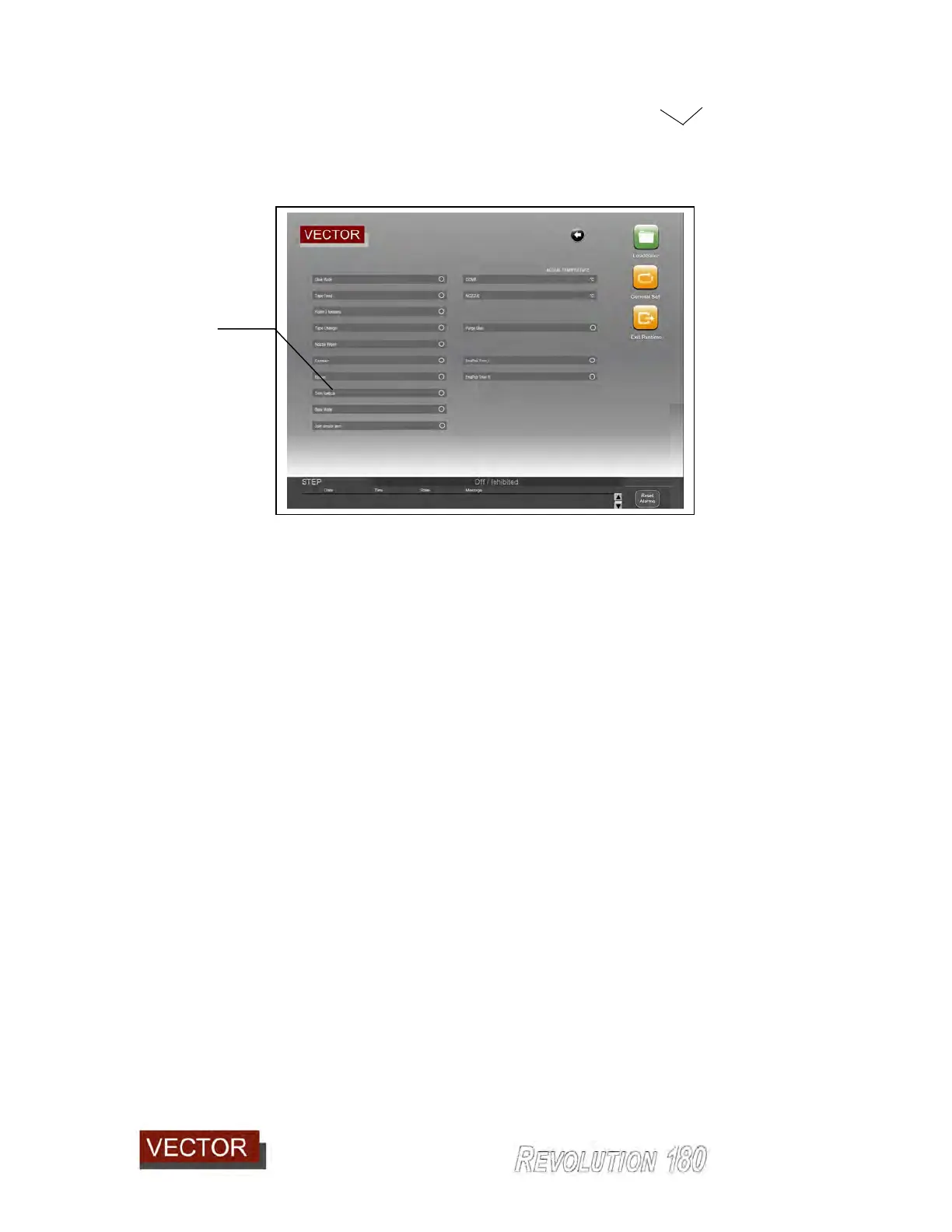
The trimmer blocks can be brought together by going into the functions page and
activating the Trimmer Vertical button. (976).
9.2.8 Performing a complete cycle with trimming and scraping but without gluing.
(used to test setup of scraper).
Using the panel created when testing the gluing and edge material application in section
9.4, it is now possible to start the cycle with the glue turned off for the purpose of testing
the scraping setup. This is exactly as for running with the trimming on and glue off as in
section 9.2.5 with the addition that the scraper is turned on. See 9.2.1.1 on how to turn
the scraper on.
Because the trimming process has already been performed, the trimmer will not remove
any material so this test is used to test the performance of the scraper.
Test by starting the cycle and after running for approximately 300 mm, turn the scraper off
and complete a manual end cycle (ref section 9.2.5). Check the scraper performance and
adjust as necessary as per the next section.
976



 To Next Page