Run 9
________________________________________________________________________________________
_______________________________________
9-44
9.2.4.1 Start Prevent Messages
The following is a list of the Start Prevent Messages which will appear when the Machine
State is START WHEN READY but when the Start Button (960) is pressed, there are
conditions required for operation which are not met.
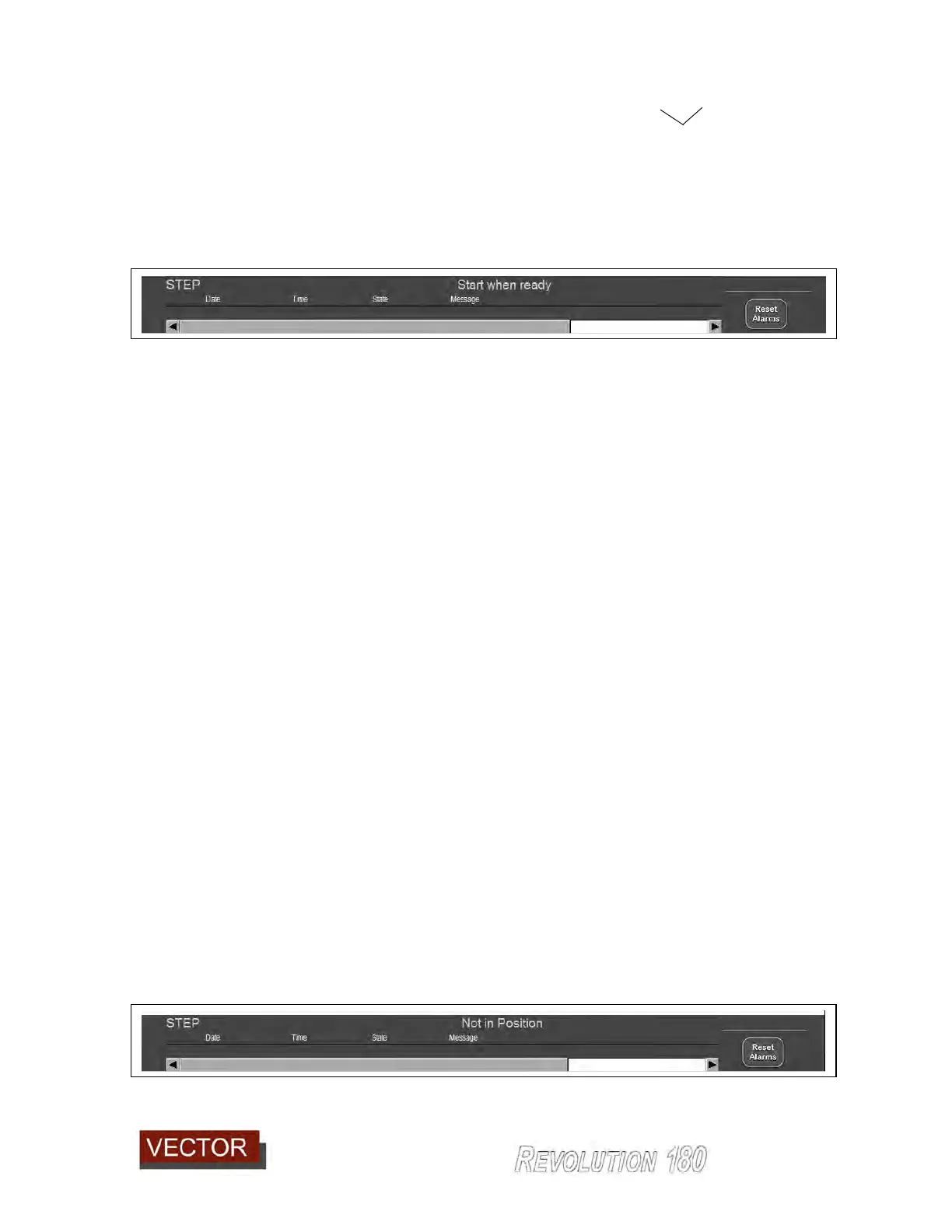
NOTE: If the cycle does not start, push an hold the start pushbutton (960) and a message
(947) will appear on the screen status bar advising the reason.
Message Cause Remedy
No Vacuum Vacuum status low Turn on Vacuum
Not in Position X Y and C not at target Press Move to Position. Check for
obstruction.
Glue Off Glue not on Either turn glue on or press
Start With Glue OFF.
Hood not closed Hood open Close Hood
Light Barriers broken Clear light barriers
Pivot Not back 3
rd
Roller forward Check for obstruction or faulty sensor
Clean Switches Join arm switches Make sure join arm switch levers clear and
sensors are in ON state.
Pressure bar off Bump bar not ON Clear obstruction or check bump bar
sensor.
Moving position Not in position Press move to position
Example of Start Prevent message



 To Next Page