Run 9
________________________________________________________________________________________
_______________________________________
9-85
9.6 Save / Load settings.
It is possible to save screen settings into settings folders via the Save Load Settings page.
This is accessed by touching the Save /Load settings icon which is found in the top right
corner of most pages such as (970) on the Functions page above.
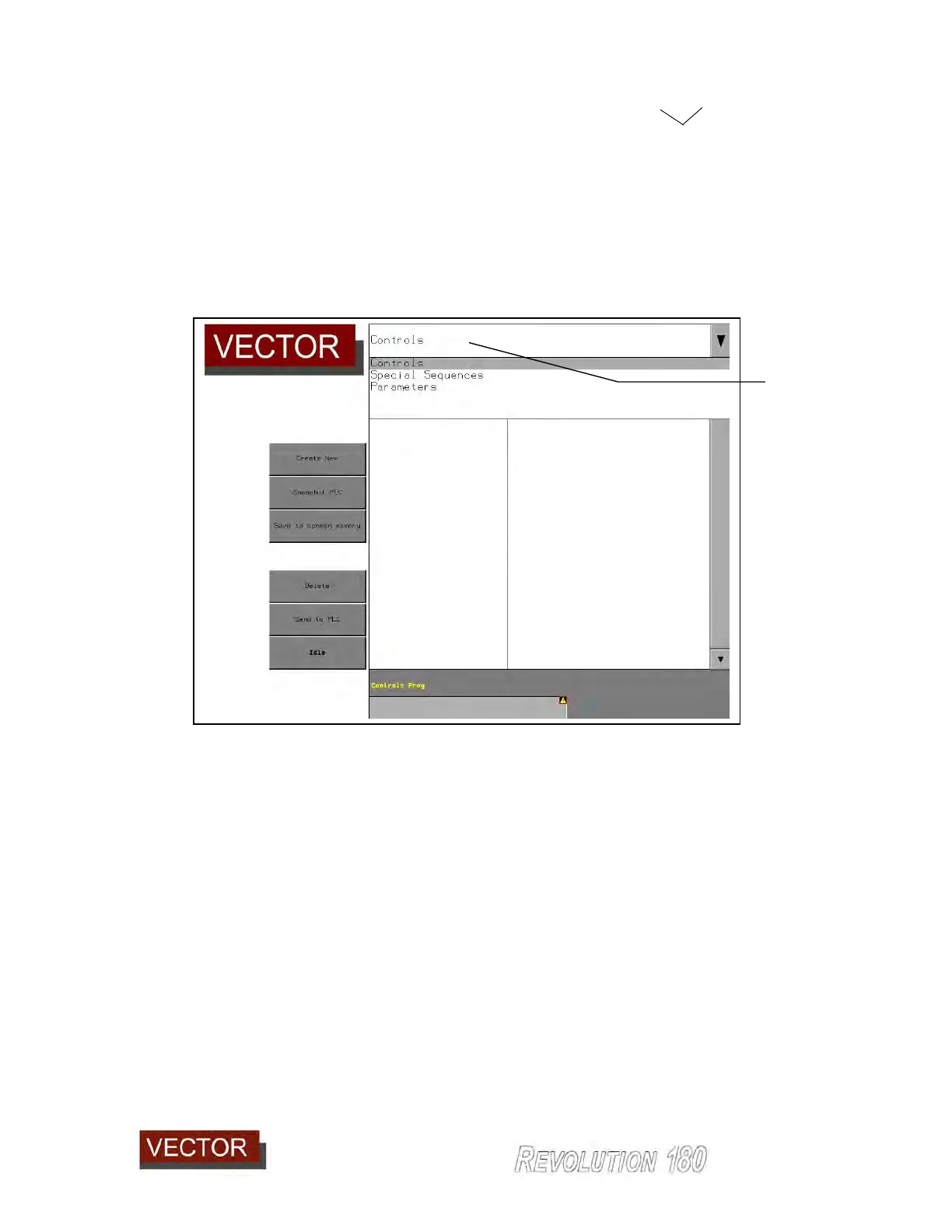
This will open the following page:
Touching the header (978) drops down a menu of 3 options.
Controls saves all the settings on the Main page and all Advanced
Controls pages
Special Sequences Saves all the settings on the Advanced Controls: Panel Shapes
and Special Sequences pages.
Parameters Saves all the password protected parameters pages.
This is for Service Technicians only.
Entering on one of these headings will insert that section into the header line (978) and
provide below a drop down menu (979) of all the existing settings programmes saved.
978



 To Next Page