peripheral device (PC or Mobile Phone) in order to pair successfully. Enter the last 4 digits of the V300 serial number as
shown in the Connection tab.
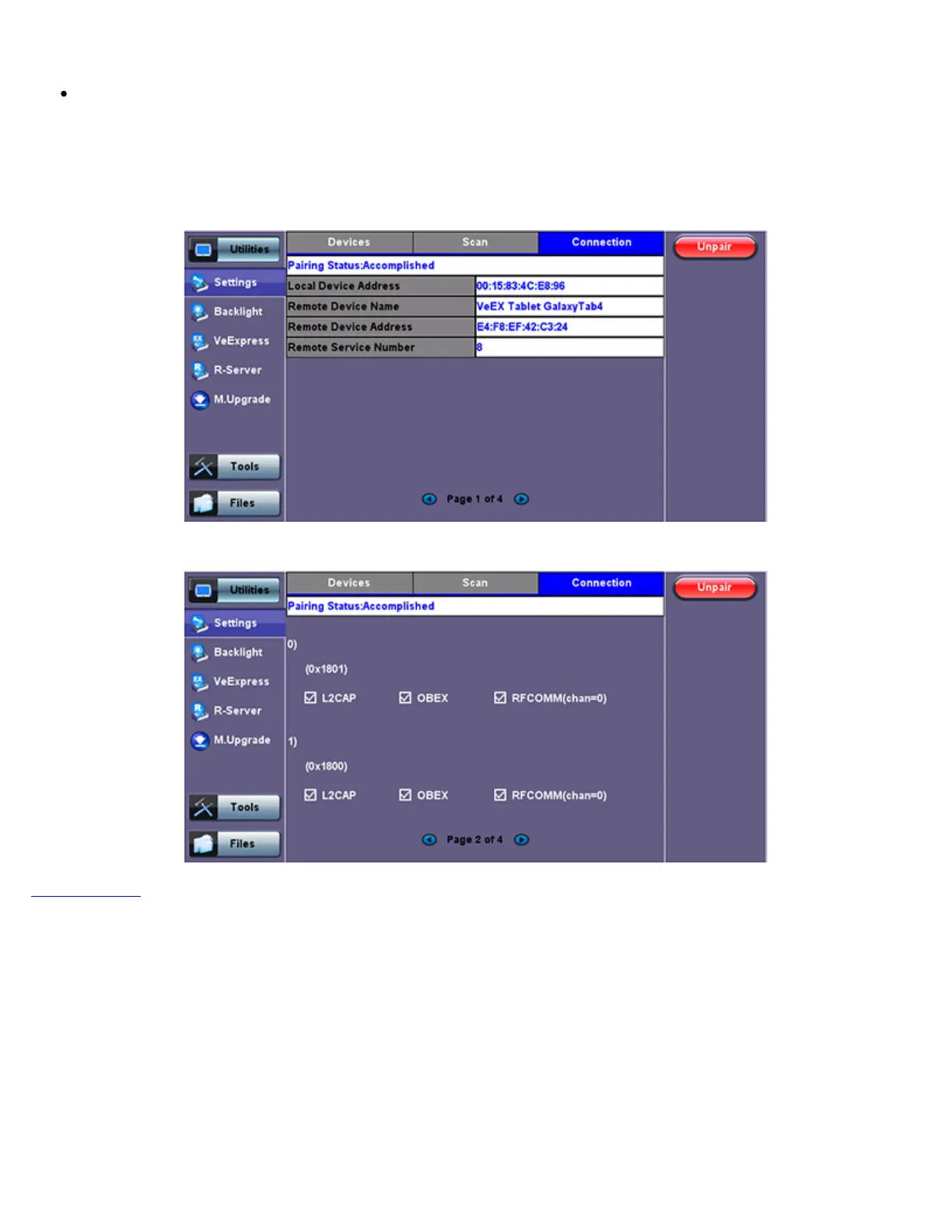
Once paired, click the Services button at the bottom of the screen to check the service attributes. To upload test results via
Bluetooth and Mobile phone to a UMTS or 3G network, full data upload service will be required.
Bluetooth - Connection Established
Bluetooth - Connection Page 2
Go back to TOC
TX300s_Platform_Manual_RevB00



 To Next Page