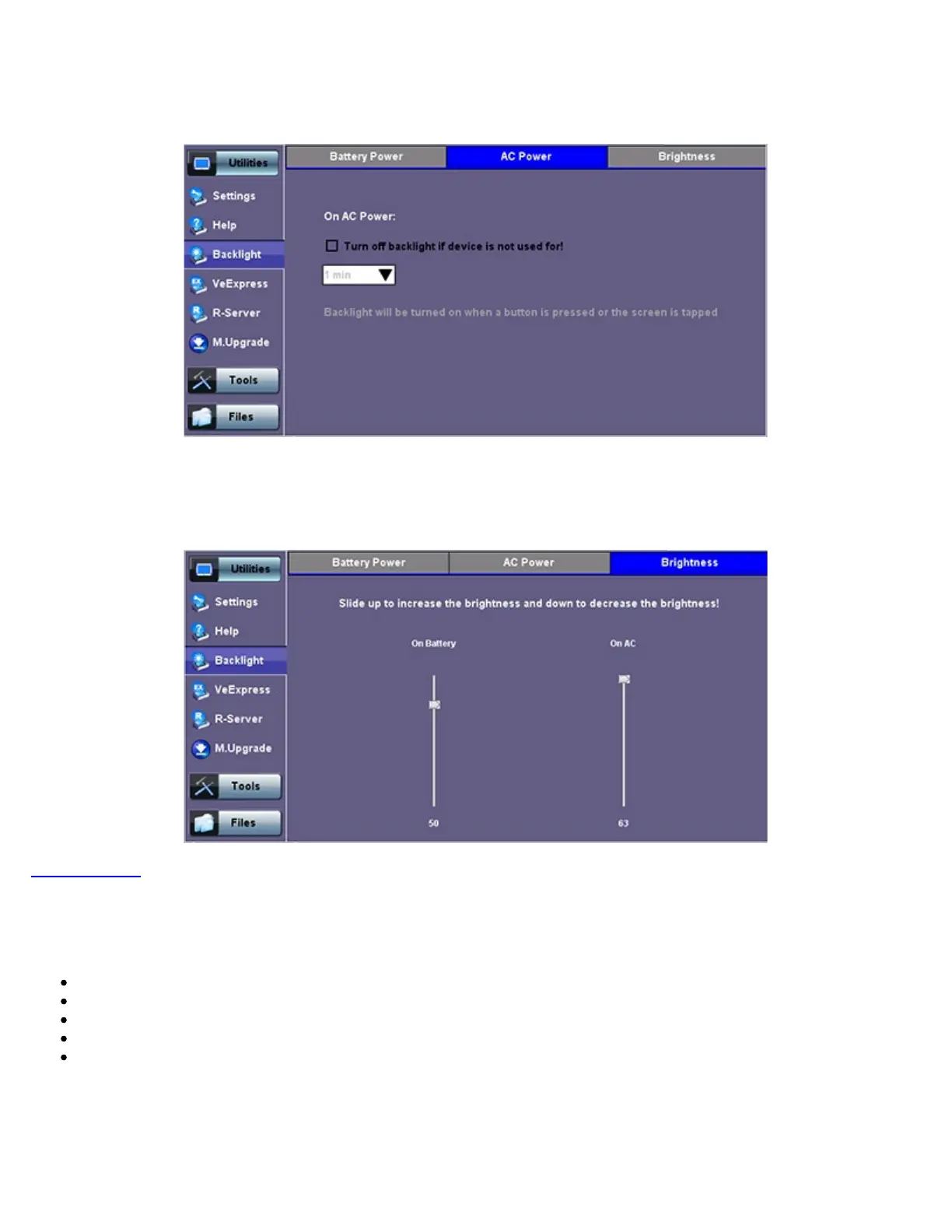
Backlight - AC Power
Brightness
: The user can select the brightness level for Battery and AC operation modes.
Backlight - Brightness
Go back to TOC
5.1.6 Global Settings
General Setting
Language: An alternative language for the user interface
Units: Measurement system (English - feet or Metric - meter)
Audible Alarm: When enabled, the test set's buzzer will sound (beep) when alarms and errors are being detected
Show Password: Hides/unhides username and password information associated with FTP and related IP functions
User Interface: The USA user interface version presents SONET/DSn application-oriented menus, while the International
setting is more open to all settings
TX300s_Platform_Manual_RevB00



 To Next Page