7.2 Net Wiz
Net Wiz verifies the status of each IP address in the user selected range, by using ARP (Address Resolution Protocol) and ICMP
test.
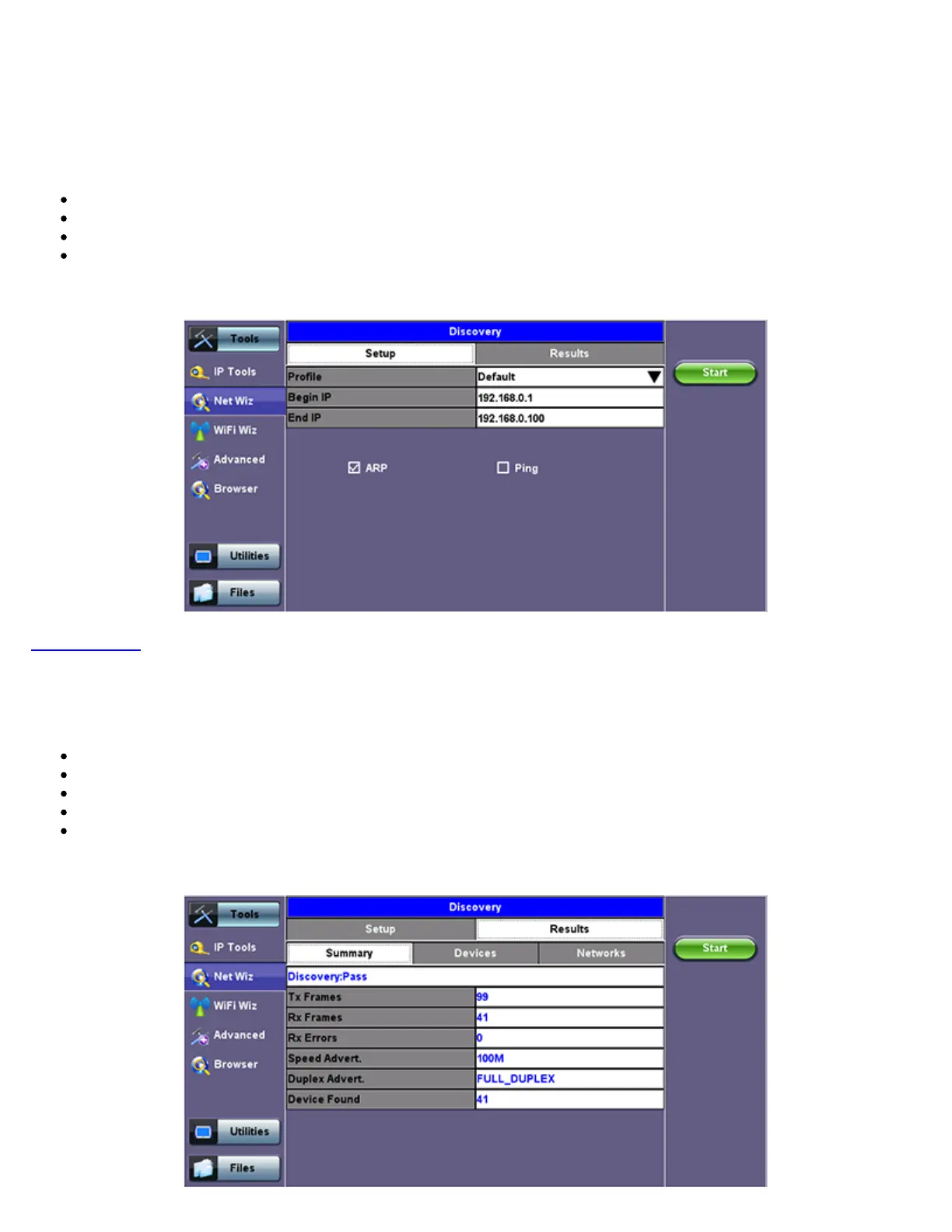
7.2.1 Net Wiz Setup
Profile: Drop-down selections are Default, Delete, Save, Save As...
Begin IP: Set the start address for the desired IP range using the numeric keypad.
End IP: Set the end address for the desired IP range using the numeric keypad.
Select the test by placing a check mark in the corresponding box of any of the following: ARP, Ping.
Net Wiz Setup
Go back to TOC
7.2.2 Net Wiz Results
Summary indicates the test status and reports:
TX/RX Frames: Total number of TX (transmitted) and RX (received) frames
RX Errors: Received frames in error
Speed Advert: Speed advertised
Duplex Advert: Duplex mode advertised
Device Found: Total number of Devices and Networks found
Net Wiz Results Summary
TX300s_Platform_Manual_RevB00



 To Next Page