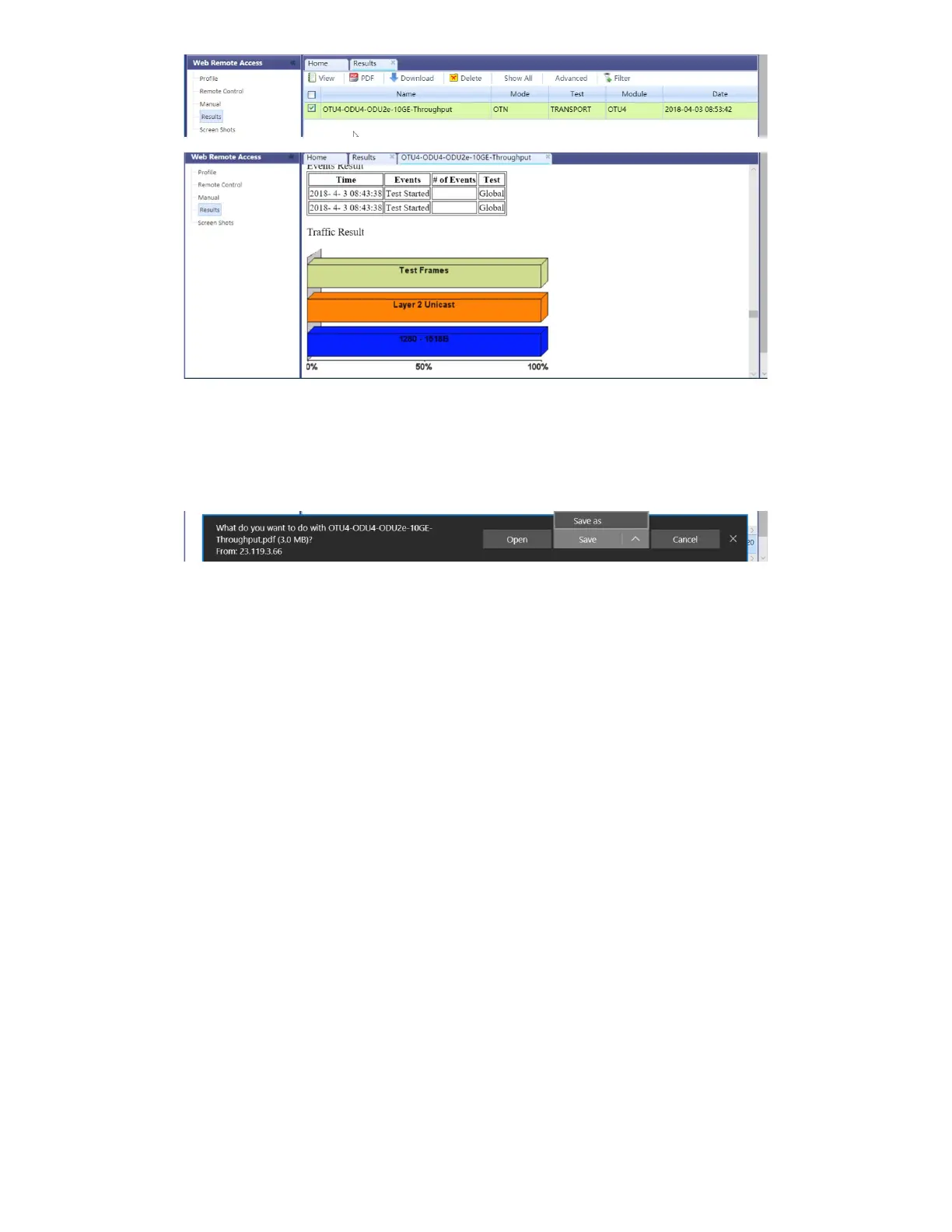
Files can be downloaded by clicking on Download (original file format) or PDF.
Screen Shots
Pictures (PNG) taken of the screen can be accessed from this link and sub-tab. Pictures can be viewed or downloaded to the local
computer.
Screen captures can be made using the Lock button (Ï
) on the test set or from the remote computer, using the links provided or the
respective F-key on the computer’s keyboard. The screen capture function can be enabled in >Utilities >Settings >Global >Save
Settings.
5.1.10 VF Noise Calibration (Microphone)
The test platform offers ambient audio Noise Reduction for its built-in microphone, to improve voice quality in Voice Frequency (VF)
applications like ISDN and VoIP calls. The microphone noise reduction function is enabled, in >Utilities >Settings >Global
>General Settings >Mic Noise Reduction = ON,
TX300s_Platform_Manual_RevB00



 To Next Page