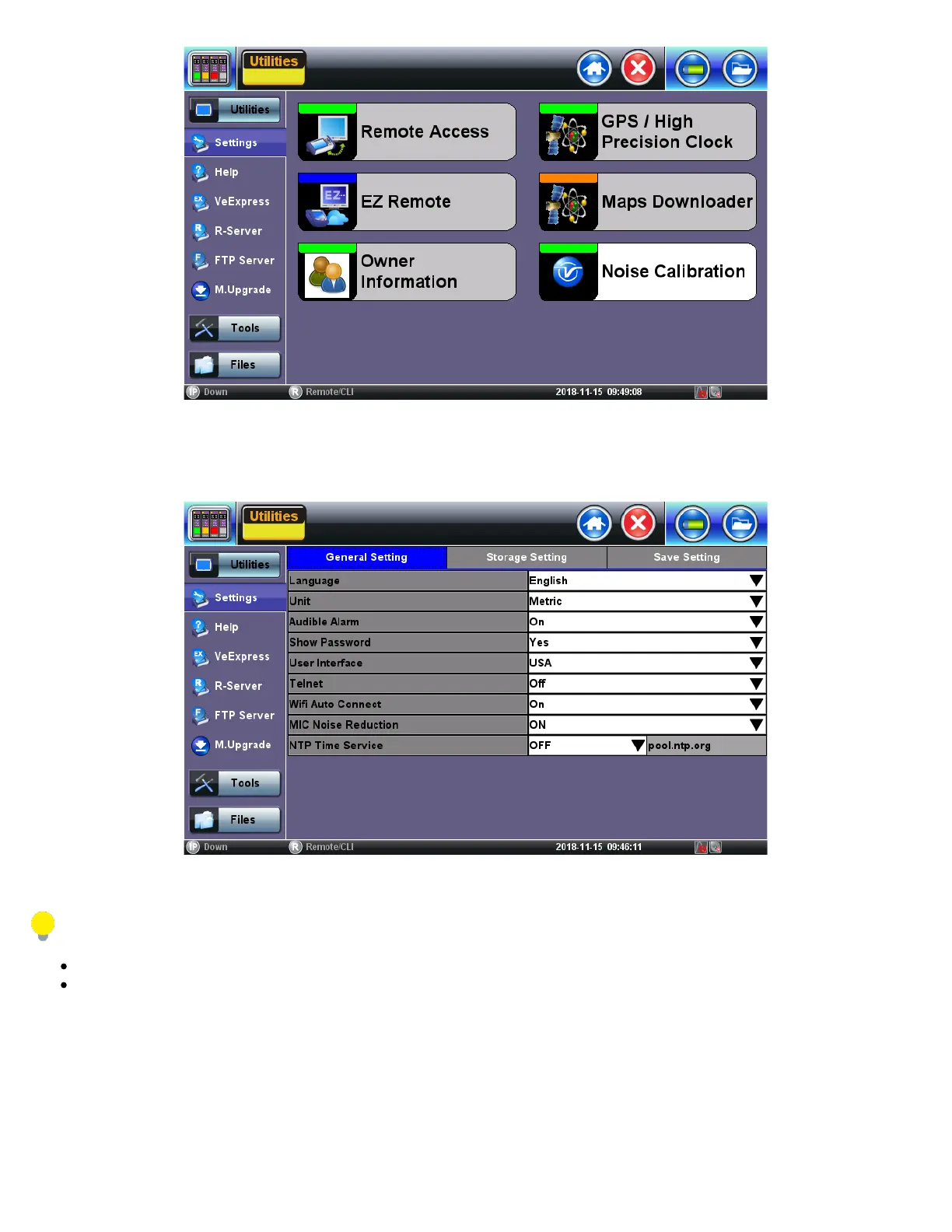
Users can calibrate it to remove typical environmental noise and improve voice quality. The test set must be recalibrated before use
and when moved to a different environment (e.g. from the equipment room to an office). The Noise Calibration function can be found
in >Utilities >Settings >More >Noise Calibration.
Stay silent while the calibration is in progress.
If a headset is used for ISDN or VoIP calls, it must be plugged in during the calibration process.
5.1.11 Maps Downloader
The Maps Downloader can be found in the Utilities section, under >More >Maps Downloader.
TX300s_Platform_Manual_RevB00



 To Next Page