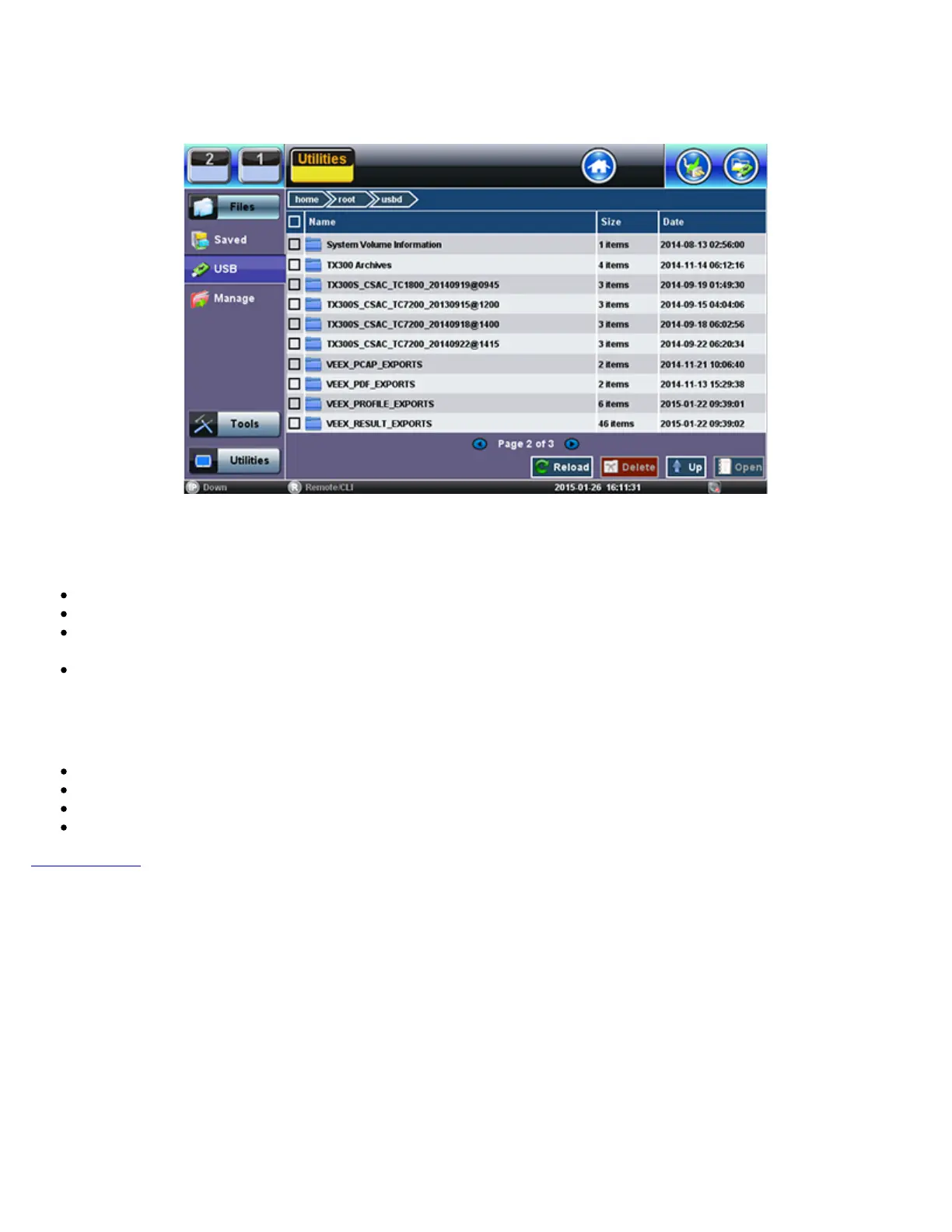
6.2 USB Memory Browser
USB Tool
The USB tool can be found in the Utilities section, under >Files >USB.
It provides users with basic memory stick management tools, to browse and interact with its contents without the need of a PC:
Reload: Refreshes the USB stick info
Delete: Erases the selected files or folders
Up: Exits the current folder and moves up to a higher folder in the file tree hierarchy. The current folder structure is shown in
the top bar
Open: Opens certain file types
The USB tool supports one USB memory stick. It shows the first memory stick that is recognized, from any of the two ports.
The following file types are supported:
HTML: Launches the browser to display its content
TXT: Launches a basic text viewer to display its content
PCAP: Launches the built-in Wireshark® protocol analyzer
MTIE: Launches the optional built-in Wander Analysis tool
Go back to TOC
TX300s_Platform_Manual_RevB00



 To Next Page