Requires compatible USB dongle
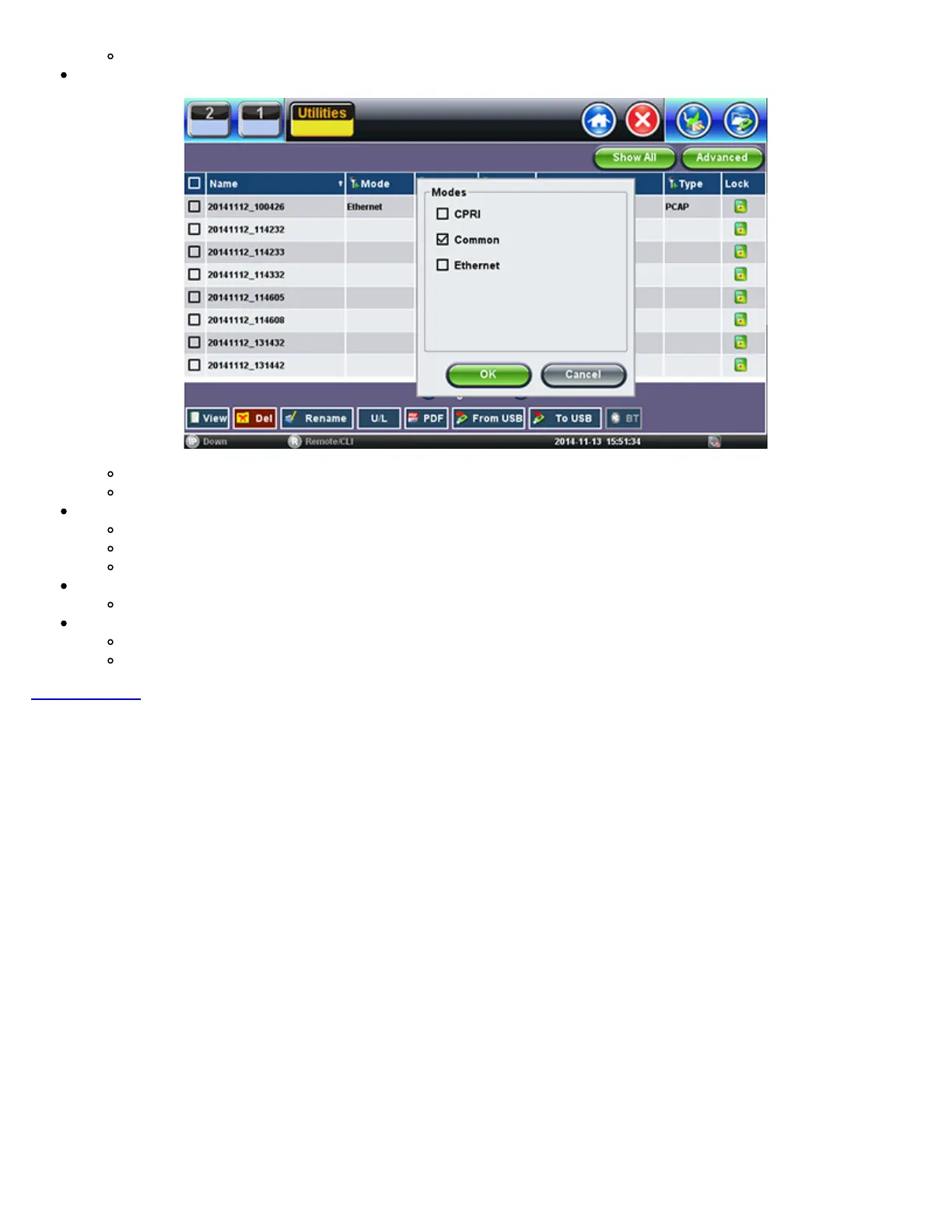
File Filters
Makes it easier to isolate desired types of results from all other test results stored in the test set
Reduces the number of pages displayed
Activate Filters
Use the stylus to tap on the Y+ icon.
Check mark the desired attributes.
Filters parameters can be combined
Reset Filters
Press the Show All button.
Sorting
Tap on a header to sort by that field’s type, in ascending or descending order.
Makes finding desired test Results or Reports even easier
Go back to TOC
TX300s_Platform_Manual_RevB00



 To Next Page