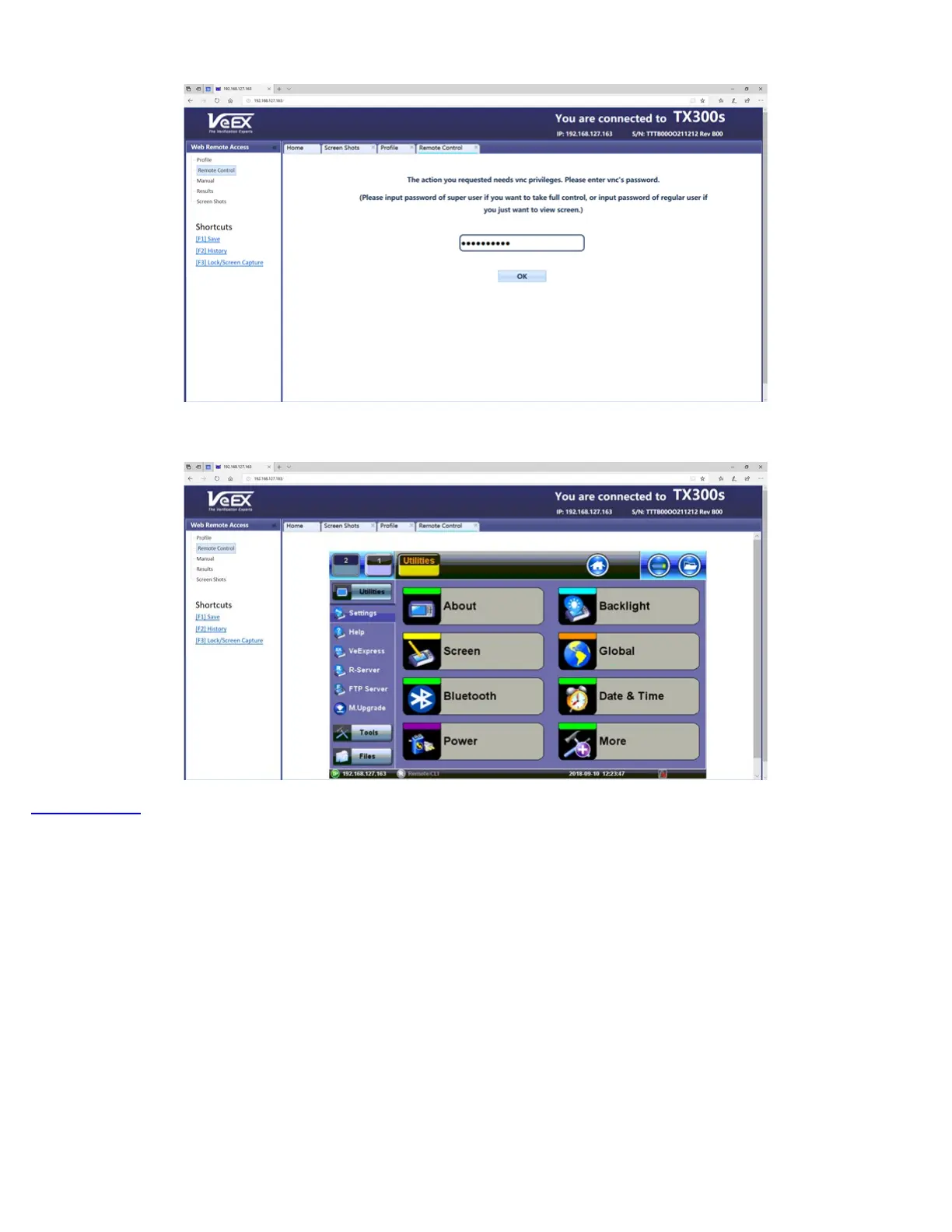
Web Browser - Password Prompt
Web Browser - Remote Access Menu
Go back to TOC
5.1.9 EZ Remote
The EZ Remote
functionality allows users to quickly and securely connect to VeEX test sets all over the world, without the need for
VPN, port forwarding or public IP addresses. This VeEX hosted service and user interface take care of all the complex tasks
required, and present users with a simple application. Connect online anytime anywhere with any computer, tablet or smartphone,
using standard web browser clients for screen-sharing, remote control and access to test results. Use it for remote control,
collaboration, technical support or training purposes.
TX300s_Platform_Manual_RevB00



 To Next Page