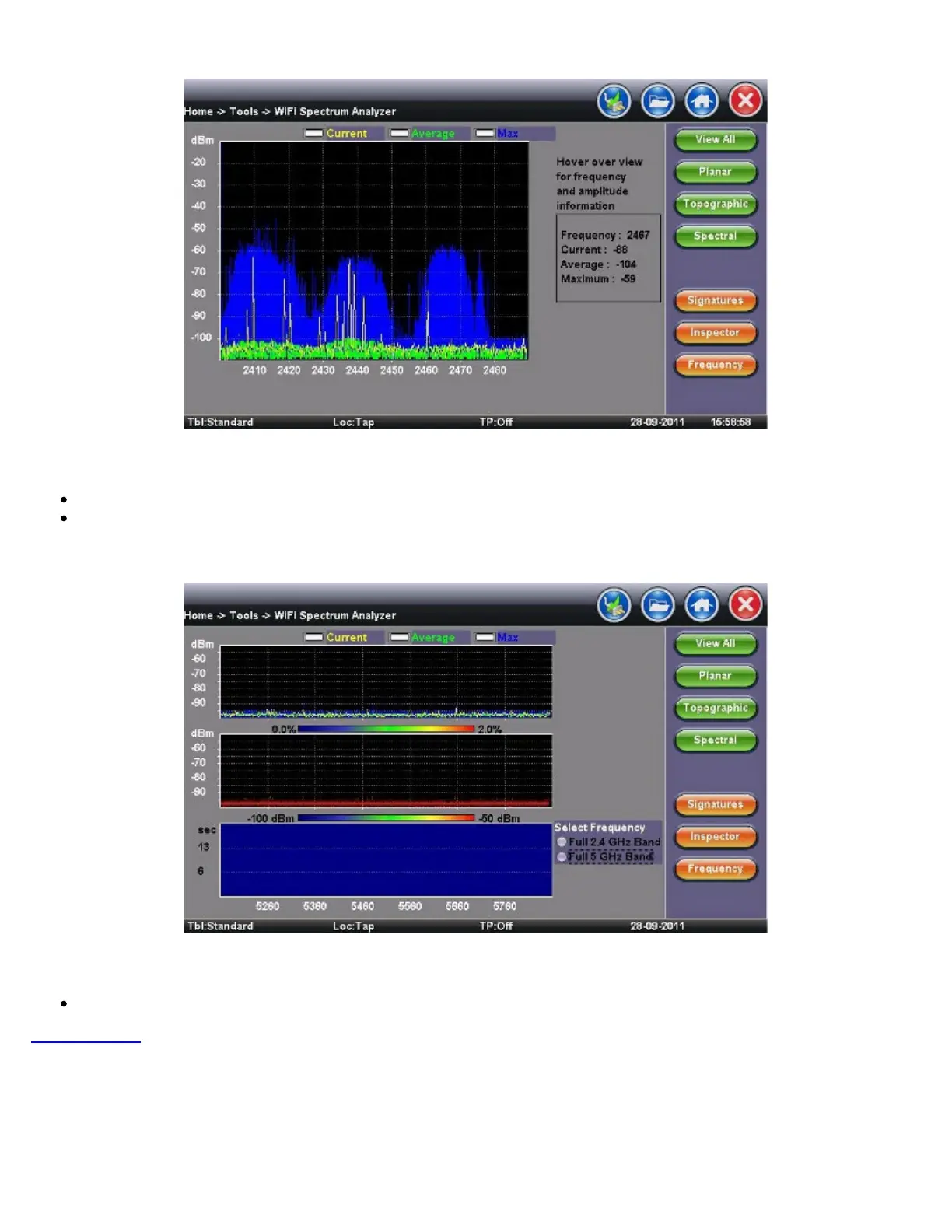
WiFi SA - Inspector - Result
Inspector Button - Result
Identifies frequency and amplitude
Current, Average, and Maximum amplitude values provide an indication of level fluctuation over measurement period
WiFi SA - Frequency
Frequency
This button allows the user to select frequency band for testing
Go back to TOC
7.5.4 Data Card
To establish an IP connection using a data card, please make sure that the data card is connected on the USB port. Note that only
datacards provided by VeEX are supported and have the driver necessary for connection. The Data Card icon, as shown below, will
appear at the bottom of the screen.
TX300s_Platform_Manual_RevB00



 To Next Page