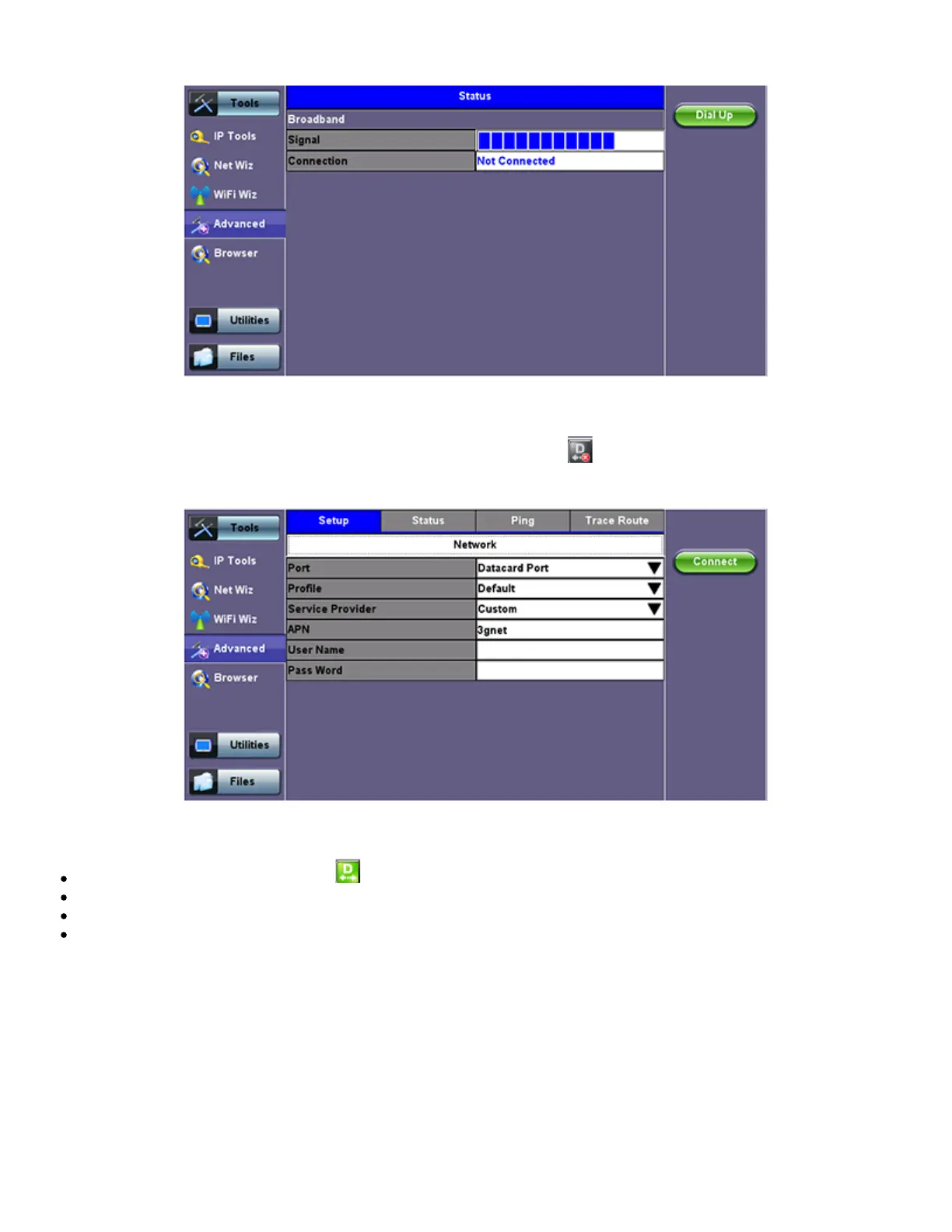
Data Card - Setup
1. Press the Dial Up key
2. In the IP Tools Setup menu, the Port will be displayed as "Datacard Port." The D for Data icon in the bar on the lower end of
the screen will have a red cross to show that datacard is not connected -
.
Select the configuration parameters, then press Connect.
Once a connection has been established:
The D for Data in the icon turns green .
The connection details are displayed in the IP Tools Status tab (shown below)
It will automatically reconnect if the test set is powered off/on and you are in a good reception area
It will automatically reconnect if you enter a bad cell area and return to a good one
TX300s_Platform_Manual_RevB00



 To Next Page