WiFi SA - Signatures
Signatures
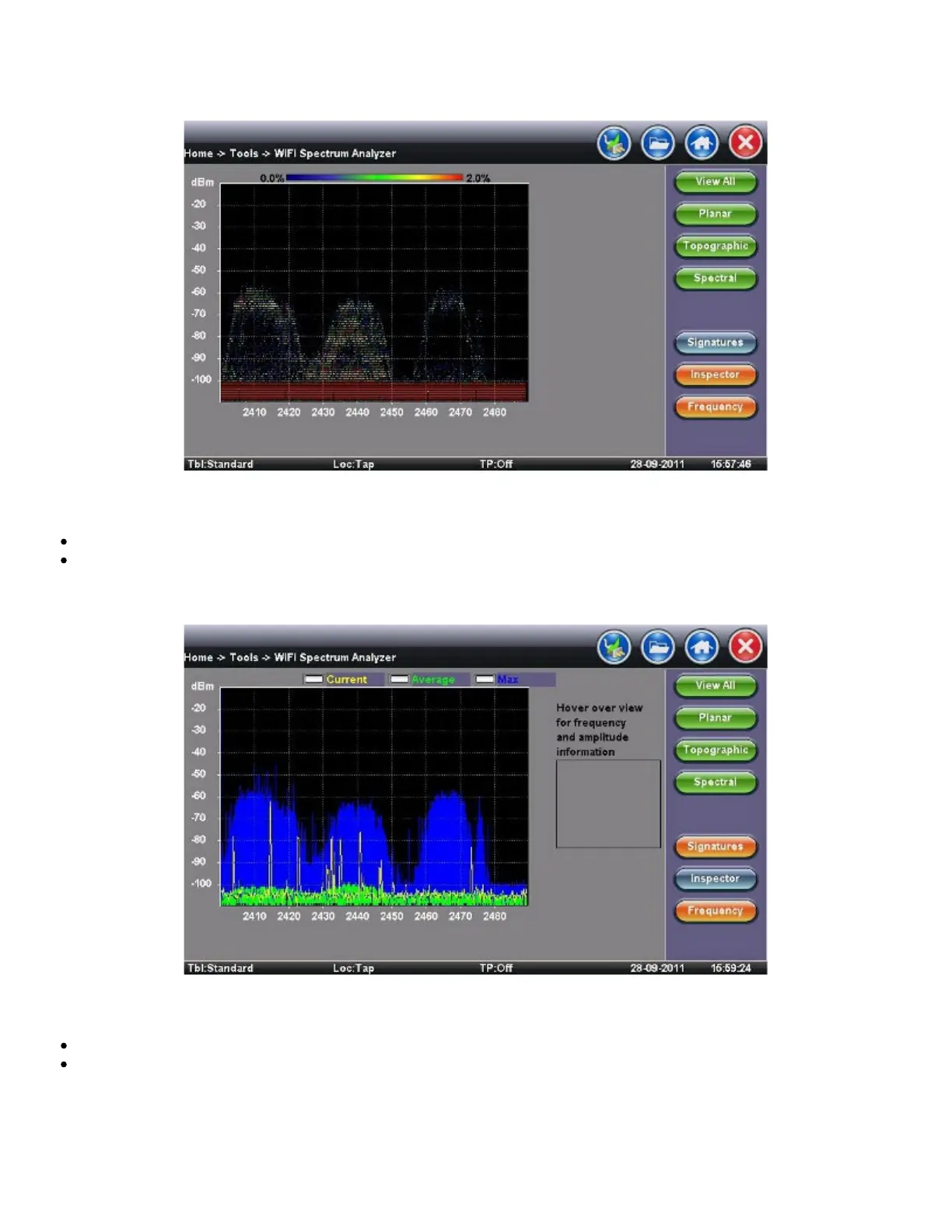
The Signatures button presets are available to identify unknown sources of RF activity (e.g., microwave oven)
Select a device in the sidebar and click the pattern in the Topographic view to identify a device
WiFi SA - Inspector
Inspector
The Inspector button setup allows the user to measure the frequency of the RF activity or interference of interest
When selected, a prompt and result box appears
TX300s_Platform_Manual_RevB00



 To Next Page