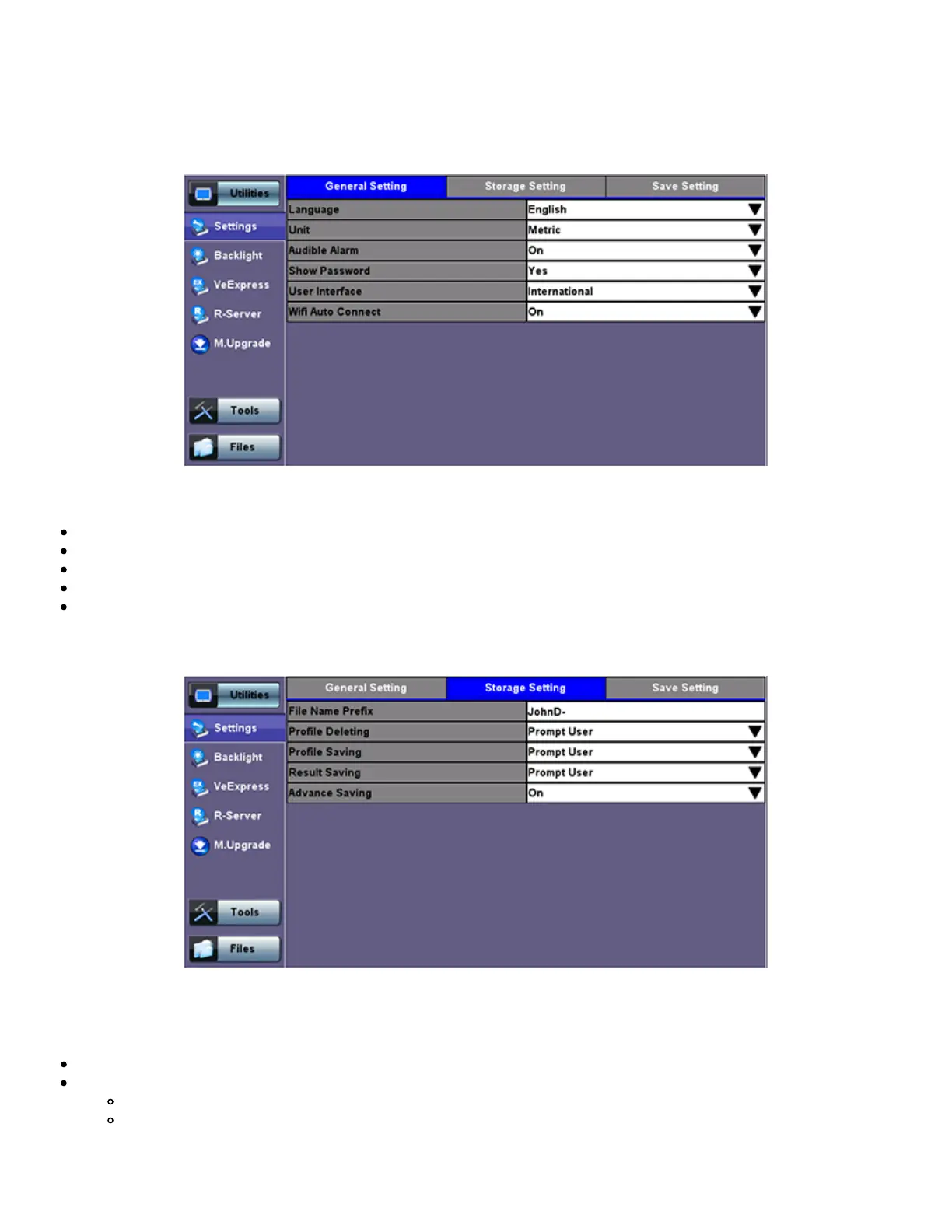
Utility Settings - General Setting
Storage Setting
File Name Prefix: Tap on the box to enter the file name prefix using the pop up alphanumeric keypad.
Profile Deleting: Auto Delete or Prompt User
Profile Saving: Auto Overwrite or Prompt User
Result Saving: Manual or Prompt User
Advanced Saving: On/Off. Allow users to add extra information to the results file to be uploaded to a centralized R300
Server. Requires Advanced Management Option
Utility Settings - Storage Setting
Save Screen Settings
Save Screen tab: Helps control the behavior of the Lock key on the keypad. The Lock key can be set to do the following:
Lock/unlock the unit's screen to prevent accidental interruption during a long term test
Save Screen Shots: The following configurations can also be done:
The compression level of the screen picture
Maximum number of screenshots that can be saved
Each time user presses the lock key from the key pad a screen shot will be saved in memory. The screen shots can be
recovered under Files>Saved.
TX300s_Platform_Manual_RevB00



 To Next Page