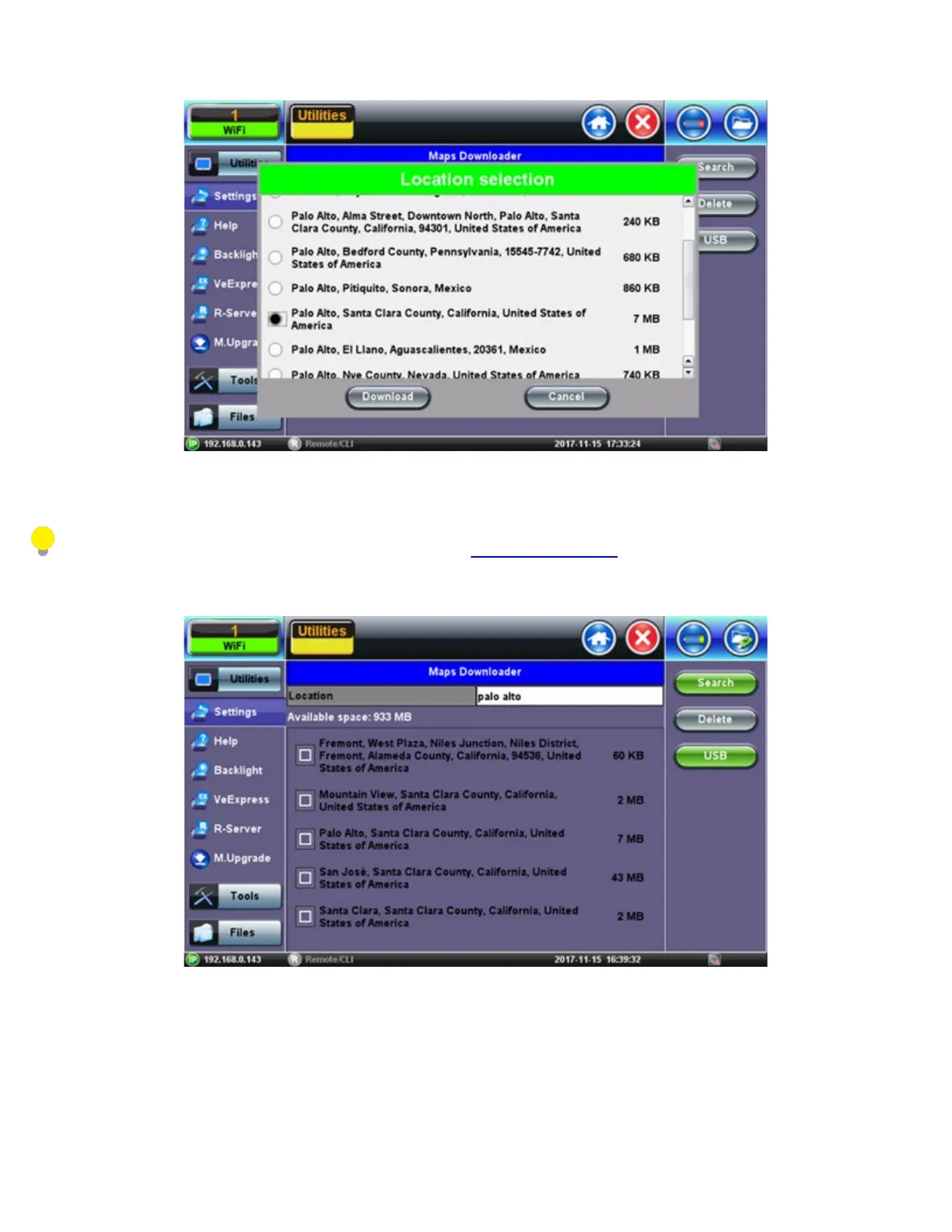
Select Map
After downloading the map, the unit shows a list of all the downloaded maps. Maps can also be deleted or transferred to and from a
USB stick.
For further instruction on USB file transfer please see chapter 6.0 File Management.
Downloaded Map
Maps are included if Advance Saving function is enabled (Utilities>Settings>Global>Storage Setting) and GPS position is
acquired (Utilities>Setting>More>GPS/High Precision Clock).
TX300s_Platform_Manual_RevB00



 To Next Page