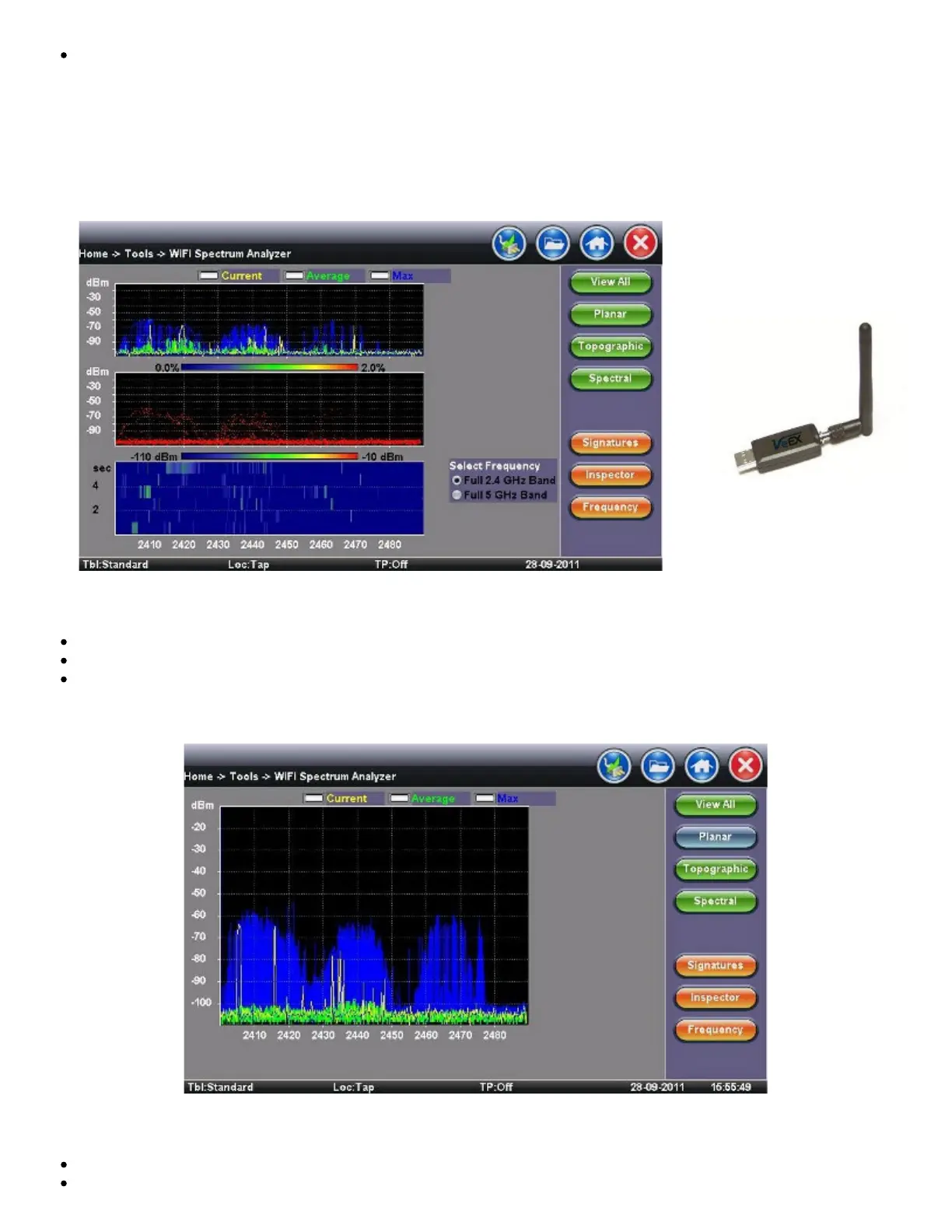
The WiFi SA test application menu is located in the Tools/Advanced Tools menu
WiFi SA Display Summary WiFi Analyzer USB dongle
Display Summary
Planar view: Reports current, average, and maximum signal amplitude for each wireless frequency
Topographic view: Emphasizes which frequencies are the busiest across the entire spectrum
Spectral view: Historical view of wireless spectrum use at a point in time
WiFi SA - Planar View
Planar View
Traditional Spectrum Analyzer view with Max, Average, and Current results
Displays RF activity in real time and tracks average and max values over a given period
TX300s_Platform_Manual_RevB00



 To Next Page