37
10 Diagnostics and servicing
VEGAPOINT 21 • Transistor (NPN/PNP)
56623-EN-210210
10.3 Diagnosis, fault messages
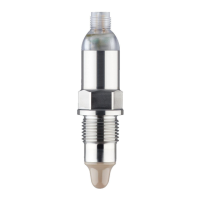
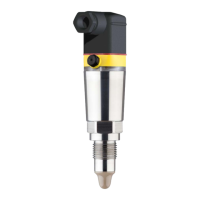
The 360° status indication on the device indicates the operating
status of the device (display according to NE 107). At the same time it
indicates the switching state of the output. This enables simple on-site
diagnosis without the need for tools.
Error Cause Rectication
Greensignallampo Voltage supply interrupted. Check the voltage supply and the cable con-
nection
Electronics defective Exchange the instrument or send it in for repair
Greensignallampashes Maintenance required Carry out maintenance
Red signal lamp lights (switch-
ing output high-impedance)
Error with the electrical con-
nection
Connect the instrument according to the wir-
ing plan
Shortcircuit or overload Check the electrical connection
Measuring tip damaged Check whether the measuring tip is damaged
Redsignallampashes
(switching output high-imped-
ance)
Sensoroutsidethespeci-
cation
Check the adjustment of the sensor
Sensor is in simulation mode Terminate simulation mode
10.4 Status messages according to NE 107
The instrument features self-monitoring and diagnostics according
to NE 107 and VDI/VDE 2650. In addition to the status messages in
the following tables there are more detailed error messages available
under the menu item " Diagnostics" via DTM or app.
The status messages are divided into the following categories:
•
Failure
•
Function check
•
Outofspecication
•
Maintenance required
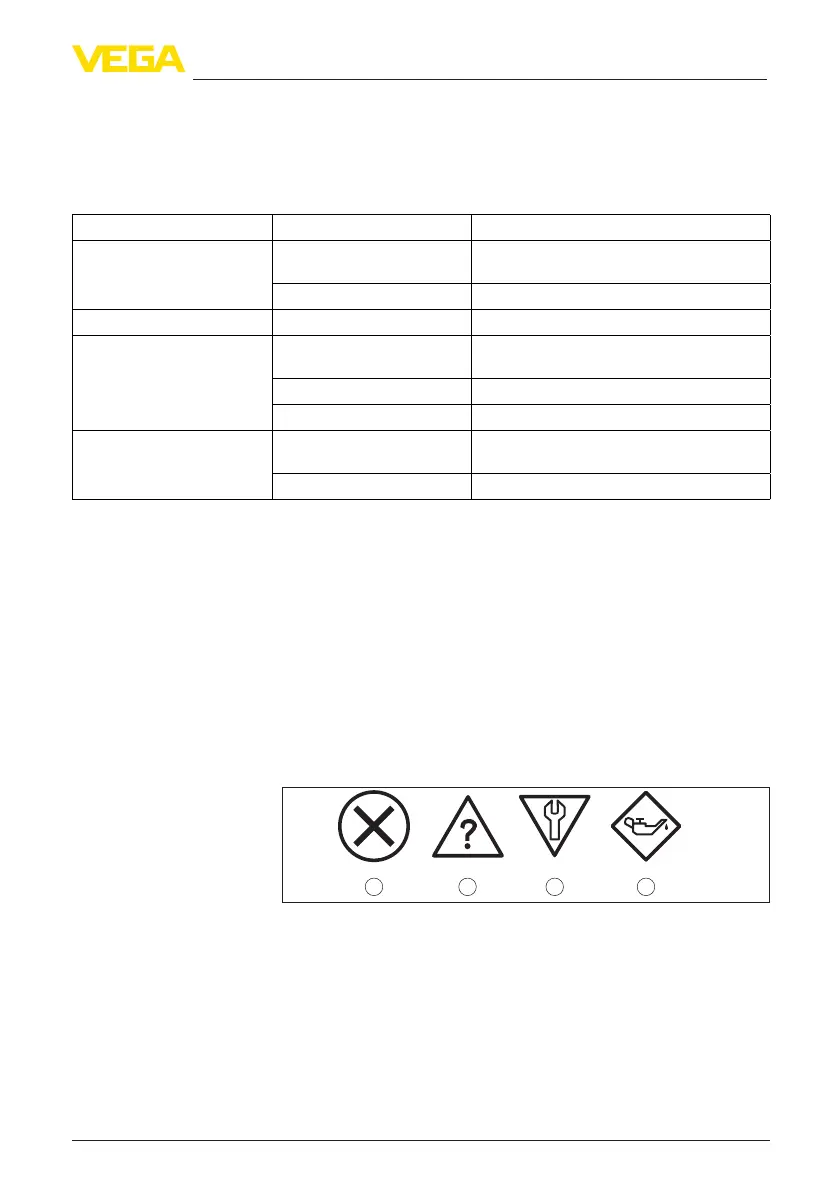
and explained by pictographs:
41 2 3
Fig. 19: Pictographs of the status messages
1 Failure - red
2 Outofspecication-yellow
3 Function check - orange
4 Maintenance required - blue
Failure: Due to a malfunction in the instrument, a fault message is
output.
This status message is always active. It cannot be deactivated by the
user.
Checking the switching
signal
Status messages


 To Next Page