Operation
Power On and Off
Press the POWER / LIGHT button (top-center) to turn on your ProStart.
Press and hold POWER / LIGHT for three seconds to shut down your ProStart.
Acquire a GPS Signal
The operation of the ProStart relies on low-power radio signals from GPS satellites that orbit the earth at
an altitude of approximately 20,000 km. As a result, the ProStart must be outdoors with a clear view of
the sky to function properly. Stay away from tall buildings and forests when acquiring a signal off the
water since these obstacles block or reflect the signals making it difficult to obtain signal.
When the ProStart is first turned on, it must download information from GPS satellites before it can
acquire a GPS signal.
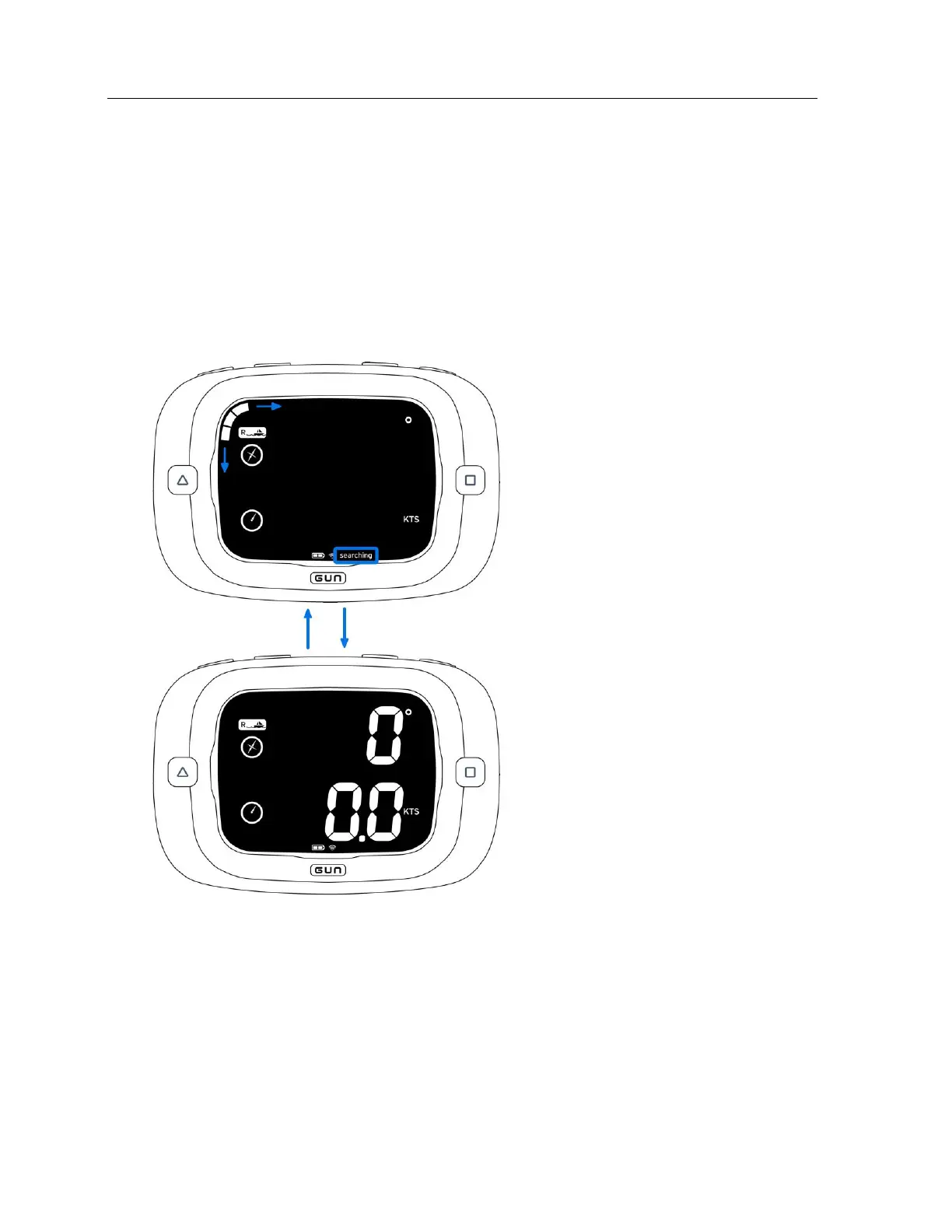
Searching indicator is displayed
at the bottom and bar segments
travel around the circumference
of the LCD.


 To Next Page