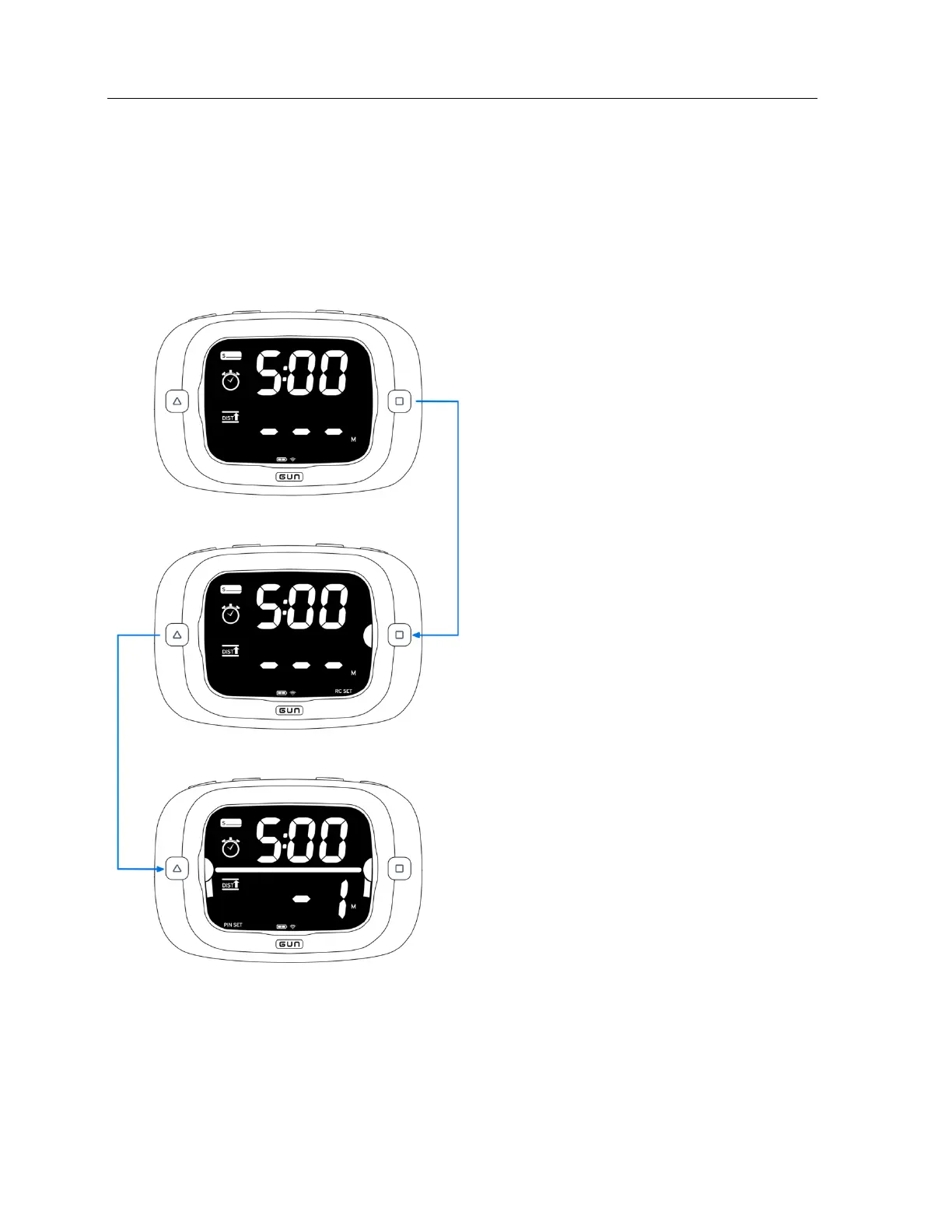
Set the right end by pressing RC.
The set end is indicated by a semi-circle next to
When an end is set, an indicator will flash for 3
seconds at the bottom of the LCD at the
Set the start line pin and race committee ends
by pressing PIN and RC respectively.
The semi-circles next to PIN and RC indicate if
the respective ends are set. The semi-circles
flash when the end is not set and go solid
when set.
The ends can be set in either order.
The ends can be set again by pressing PIN or
RC.
Press both PIN and RC simultaneously to clear
the ends.
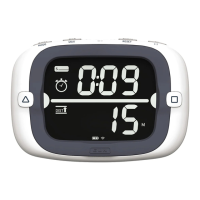
Perpendicular distance-to-line is displayed
Once the start line is set, the ProStart will
display a line between the semi-circles to
indicate that the line is set.


 To Next Page