Bonus Mode
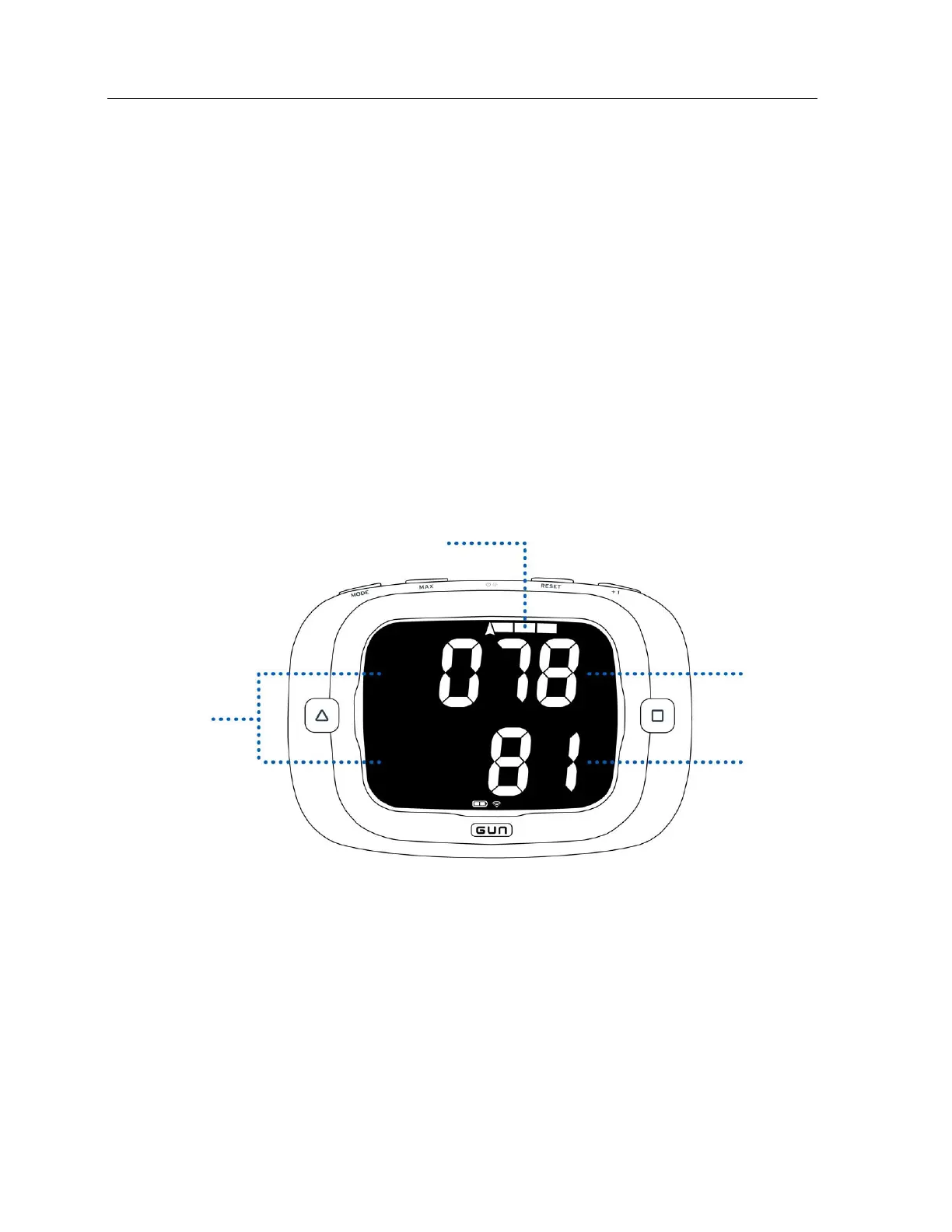
Bonus Mode allows you to display any two metrics on the top and bottom displays as well as an
additional metric on the bar graph.
By default, Bonus Mode is disabled. To enable Bonus Mode see ‘Enabling Bonus Screen’ on page 29 in
the configuration section.
The options for metrics to display on the top and bottom display are: Magnetic Heading, Course Over
Ground, Speed Over Ground, Heel, Pitch, or Shift Angle.
The options for metrics to display on bar graph are: Heel, Shift Angle, or Off.
When enabled, you can access the Bonus Screen at any time in either Race or Start Mode by pressing
both the MODE and ‘+1’ buttons at the same time (in either order). Pressing any button while in Bonus
Mode will exit Bonus Mode


 To Next Page