The satellite acquisition process can take up to 5 minutes.
Using the Backlight
The ProStart features a white or red LED backlight.
With the ProStart powered on, press POWER / LIGHT to cycle the backlight between: off, white, and red.
If your ProStart has a low battery, the backlight will automatically turn off to reduce power consumption
and extend the runtime of your ProStart.
Show Off Your Maximum Speeds
Everyone likes to know how fast you went. The ProStart max speed recall pulls your best speeds up with
the click of a button.
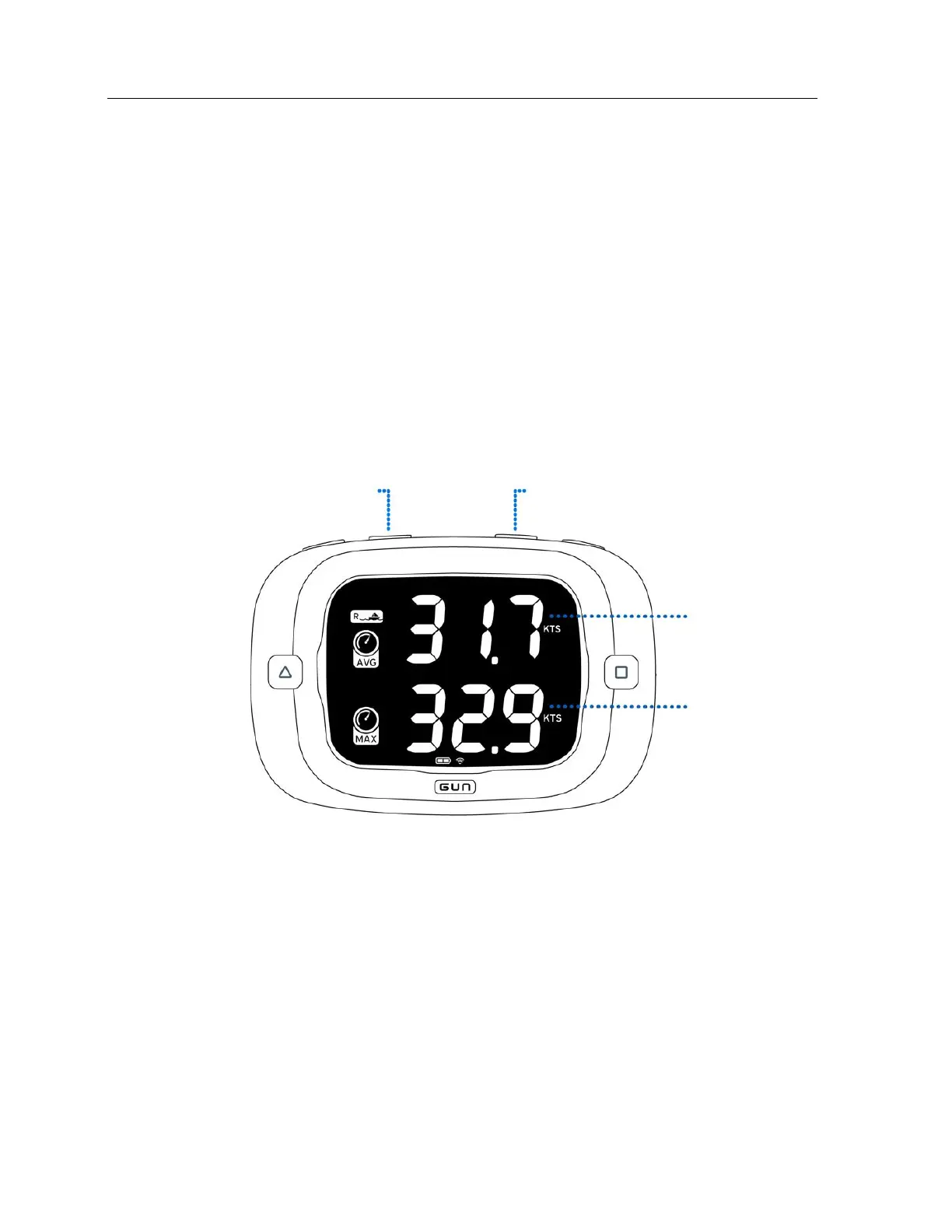
Display both your instantaneous and 10 second average maximum speed by pressing the MAX button.
Your maximum speeds will display for 5 seconds before returning to the previous mode. The maximum
speeds are stored in non-volatile flash memory and are stored until overwritten with higher speeds or
the user resets the maximum speeds.
The ProStart’s max speed Instantaneous Max is a two second average and the Ten Second Average Max
is self-explanatory. These max speeds are calculated from Doppler speeds.
The maximum speeds are not limited by track storage capacity.
To reset the maximum speeds, press RESET while holding MAX.


 To Next Page