16
EN
3. Before Your First Ride
3.03 Enviolo® calibration
The Enviolo® shiing device on your Electric Two was calibrated during assembly. However, we recommend calibrating the Enviolo® via
the Velorei app before you start riding. This ensures the Enviolo® is ne-tuned.More on the Enviolo®, see Chapter 4.05 Enviolo®.
You can also skip this step and do it later.
When the Enviolo® is not connecting, try replugging the
Enviolo® cable.
Step 1 : Go to the Velorei App
Go to Seings and choose Enviolo®. Here you can nd the start
buon to calibrate the Enviolo®.
Step 2 : Follow calibration steps in App
Your Enviolo® buon will show a blue (ickering) light, showing
it is in pairing mode.
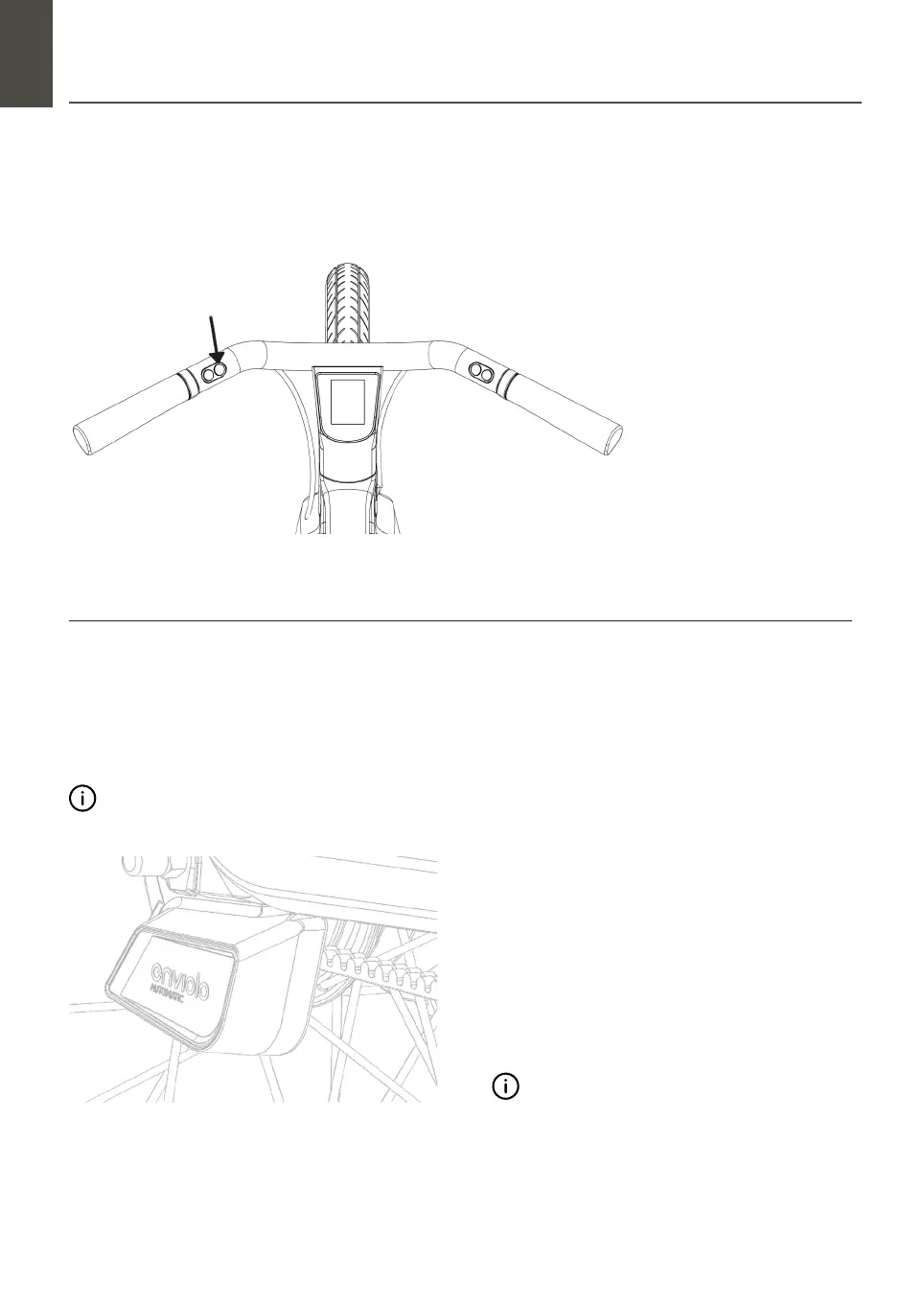
Push the buon
Turn on/o: Push the buon
for 2 seconds.
3.02 Turn on your bike


 To Next Page