24
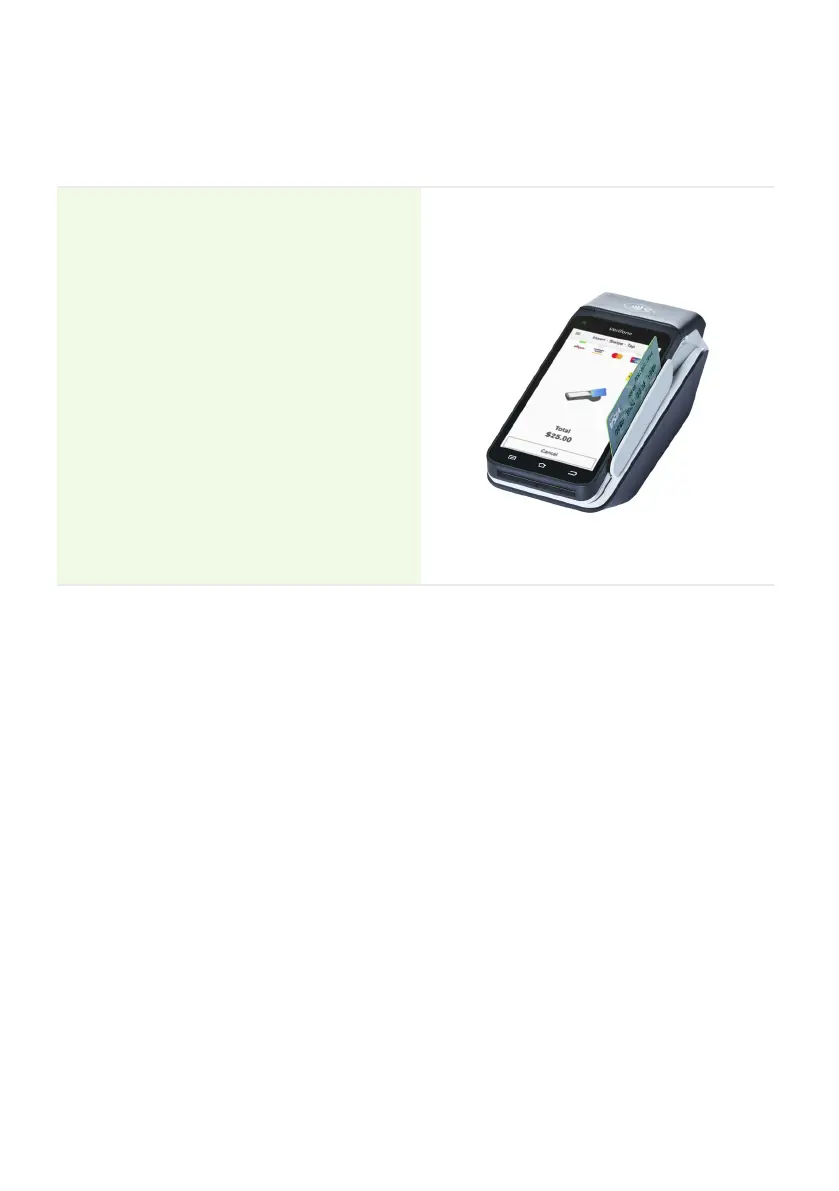
6.3 Magnetic stripe transactions
The EFTPOS Now terminal supports magnetic stripe card transactions.
The magnetic stripe reader is located on the right-hand side of the terminal.
Instructions:
1. Position the magnetic stripe card in
the card reader with the stripe facing
inward, towards the touch screen.
2. To ensure a proper read of the magnetic
stripe card, insert the magnetic stripe
card at the top of the card reader slot.
3. Swipe the card smoothly through the
magnetic card reader.
4. If there is no response from the
terminal, or if a CARD ERROR message
is displayed, swipe the card again. You
may need to swipe faster or slower.
5. If you swipe a chip card, the terminal
may prompt you to insert the
card instead.
6.4 Cancelling a transaction
You can cancel a transaction at any point by pressing the Cancel button. However, it’s
important to remember that you need to press the Cancel button before ‘Authorising’
is displayed on the screen for the transaction.


 To Next Page
 Loading...











