28
6.7 Processing a purchase transaction
Terminal Screen Next Step
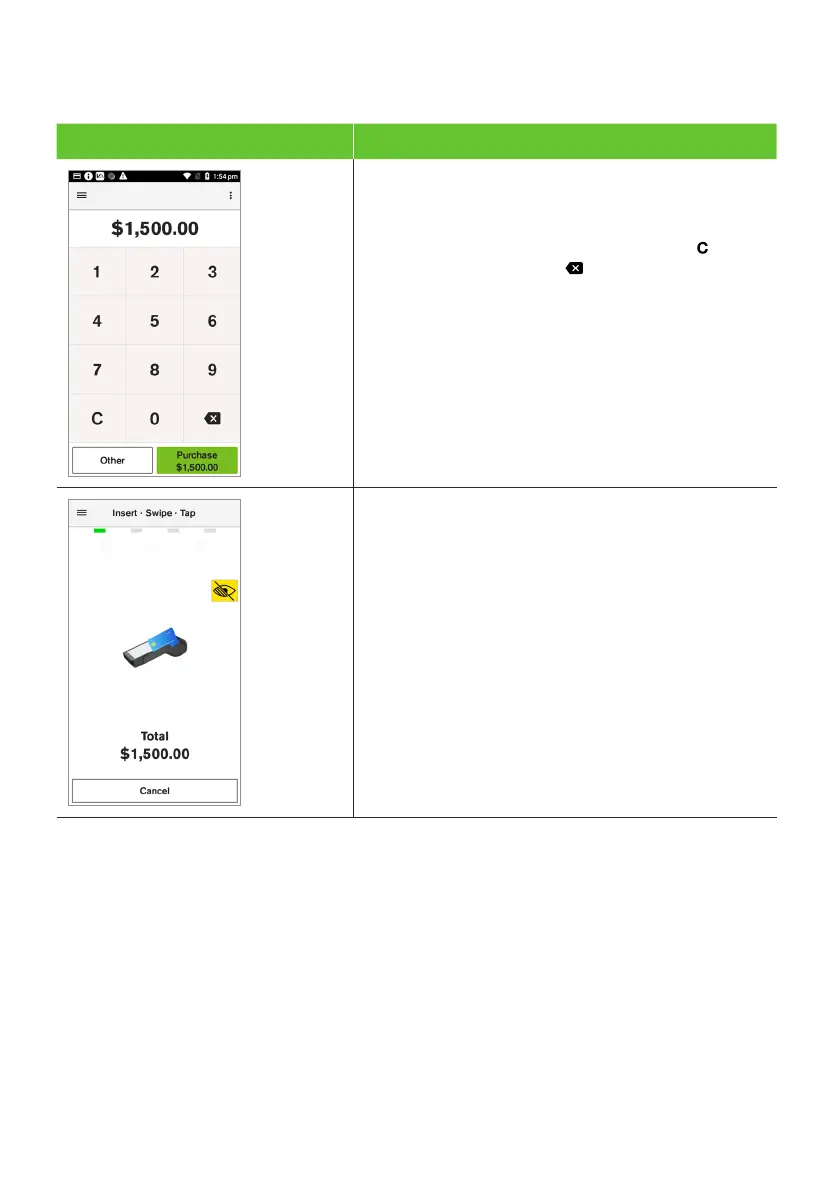
1. From the amount-entry screen, use the touch
screen to enter the purchase amount.
(e.g, $1500 = 150000).
Important: If a correction is required, press
to clear the value or press to remove the
last number entered.
2. Select Purchase.
3. The terminal will prompt the cardholder
to tap, insert or swipe their card or
payment-enabled device (e.g, phone,
smart watch, or wearable device).
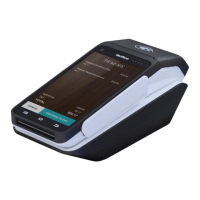
Important: The position of the card reader for tap
transactions is above the paper compartment door.



 To Next Page