30
Terminal Screen Next Step
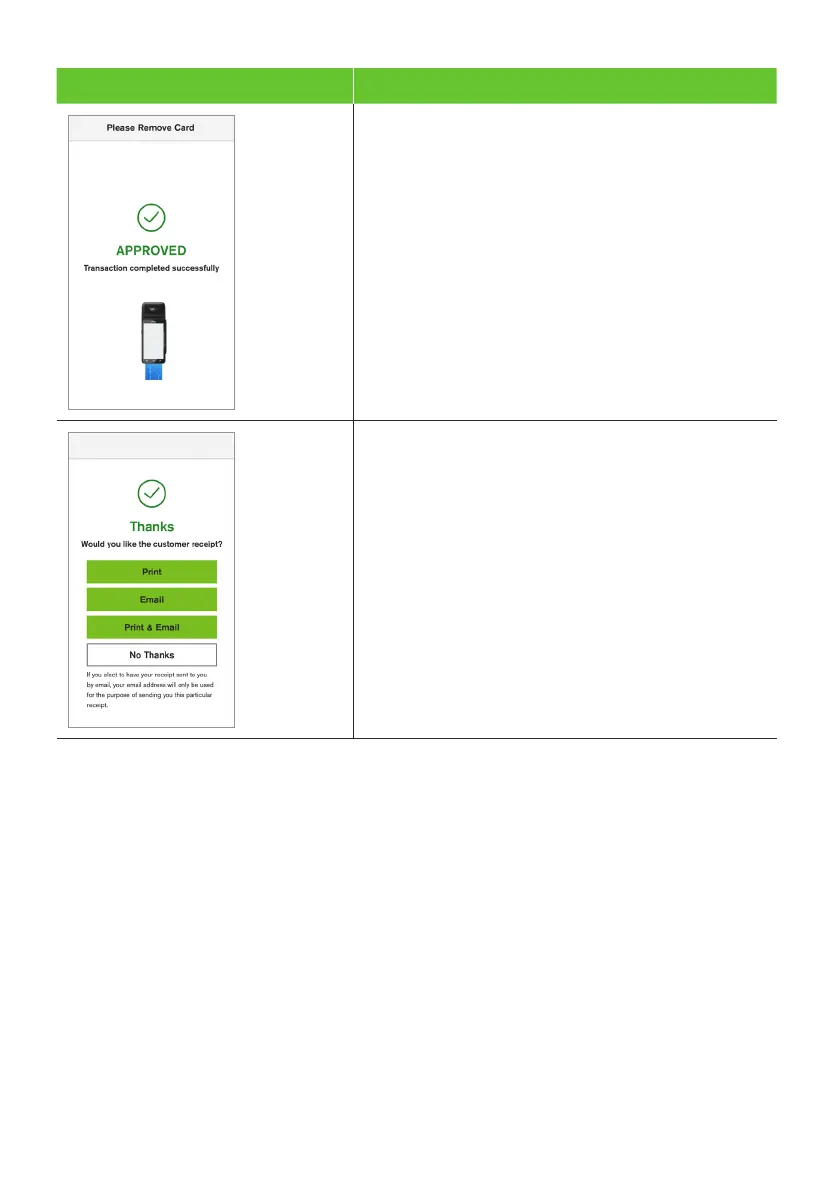
6. Once the transaction has been processed,
the terminal screen will display whether the
transaction has been approved or declined.
7. The terminal will print a merchant copy
of the receipt (if the cardholder signed,
the signature will be on this copy).
8. The terminal will prompt for a customer
copy of the receipt to be printed or emailed.
For further information on emailing receipts
refer to section 6.6.
Important: Always check the receipt to confirm the transaction has been approved.


 To Next Page
 Loading...











