49
•
The Information of Page Layout
⎯ On the top part of the information page, it shows the front panel of the switch. Linked ports will be
displayed in green color, and linked-off ports will be in black. For the optional modules, the slots with
no module will only show covered plates, the other slots with installed modules would present
modules. The images of modules would depend on the ones you insert. Vice versa, if ports are
disconnected, they will show just in black.
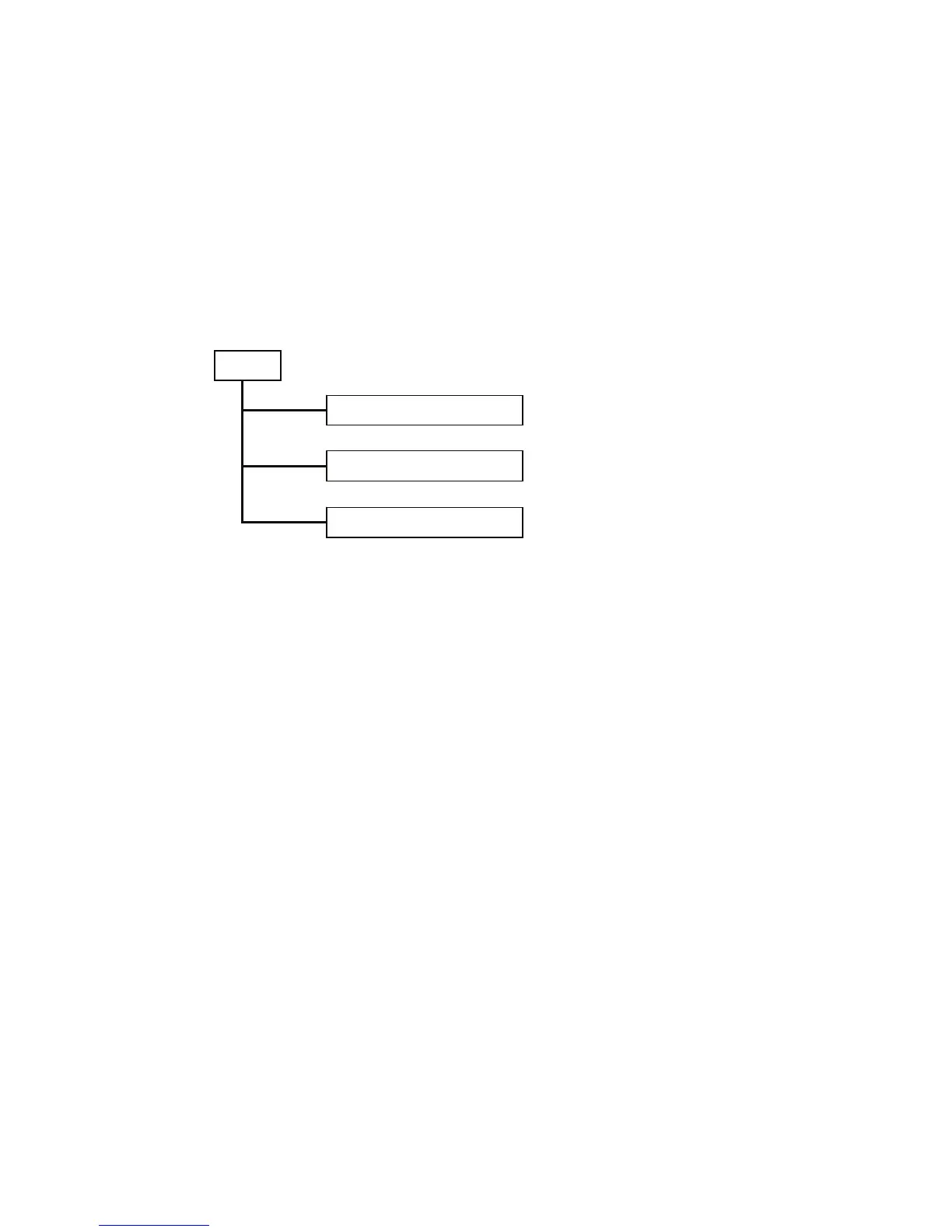
⎯ On the left side, the main menu tree for web is listed in the page. According to the function name in
boldface, all functions can be divided into three parts, including “Configuration”, “Monitoring” and
“Maintenance”. The functions of each folder are described in its corresponded section respectively. As
to the function names in normal type are the sub-functions. When clicking it, the function is performed.
The following list is the main function tree for the web user interface.
Confi
uration
Monitoring
Maintenance
Root



 To Next Page