71
4-2-11. QoS(Quality of Service) Configuration
The
switch offers a powerful QoS function. This function supports VLAN-tagged priority that can
make precedence of 8 priorities, and DSCP(Differentiated Services Code Point) on Layer 3 of network
framework.
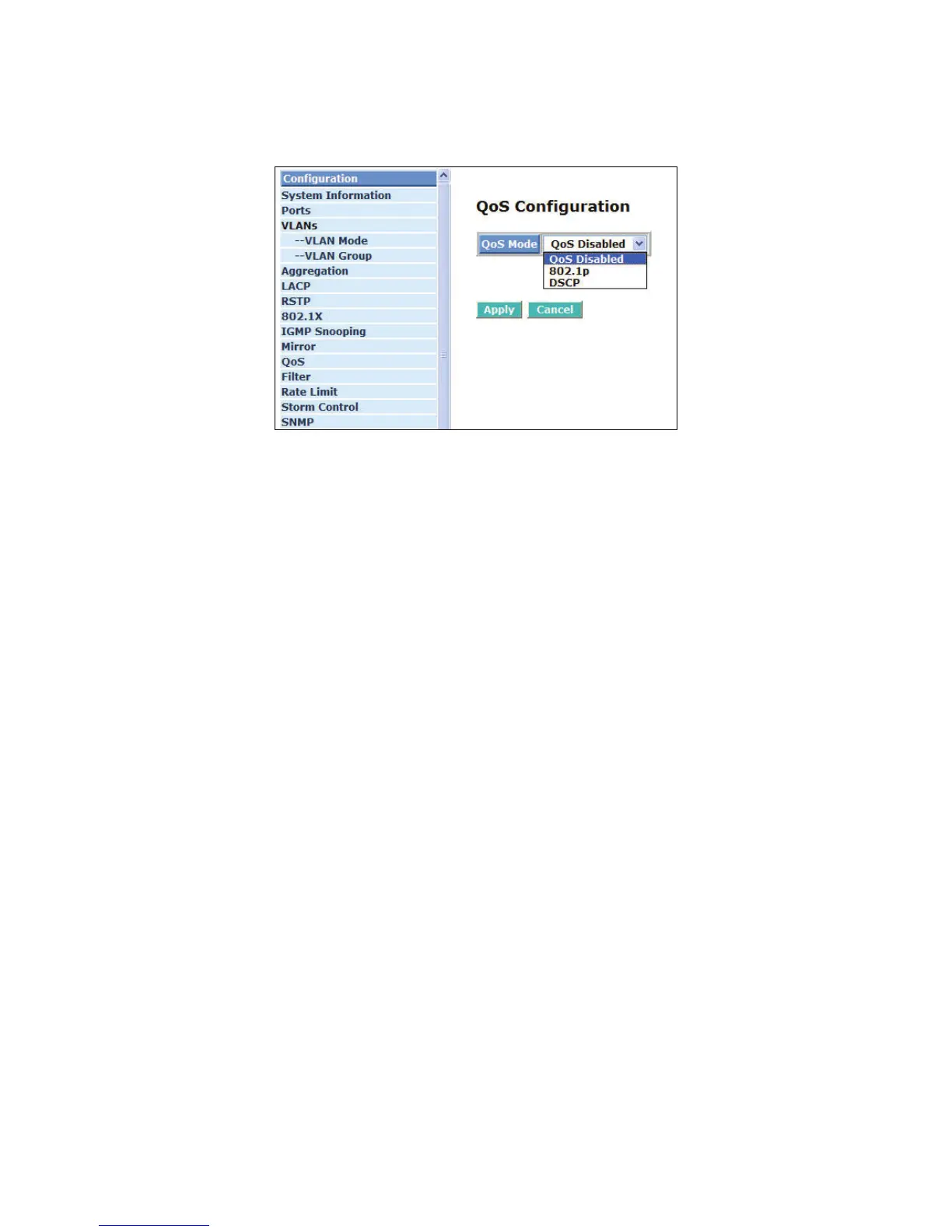
Fig. 4-21 QoS Configuration
Function name:
QoS Configuration
Function description:
While setting the QoS function, please select QoS Mode in the drop-down menu.Then you can use
802.1p Priority and DSCP Priority functions. In this function, you can enable/disable QoS Mode and
set Priority Control, such as: 802.1p and DSCP. The switch only supports Strict Priority. High priority
queue is always passed first.
Function name:
Prioritize Traffic
Function description:
Five kinds of default values. The user can select custom, or all low priority, or all normal priority, or
all medium priority, or all high priority for QoS default value.
Function name:
802.1p Setting
Function description:
This function will affect the priority of VLAN tag. Based on priority of VLAN tag, it can arrange 0~7
priorities, priorities can map to 4 queues of the switch (low, normal, medium, high) and possess
different bandwidth distribution according to your weight setting.
Parameter description:
802.1p Priority Mapping:
Each Priority can select any of Queue. In Default, Priority 0 is mapping to Queue normal,
Priority 1 is mapping to Queue low, Priority 2 is mapping to Queue low, Priority 3 is mapping to
Queue normal, Priority 4 is mapping to Queue medium, Priority 5 is mapping to Queue
medium, Priority 6 is mapping to Queue high, and Priority 0 is mapping to Queue high.



 To Next Page