75
4-2-14 Storm Control
Function name:
Storm Control
Function description:
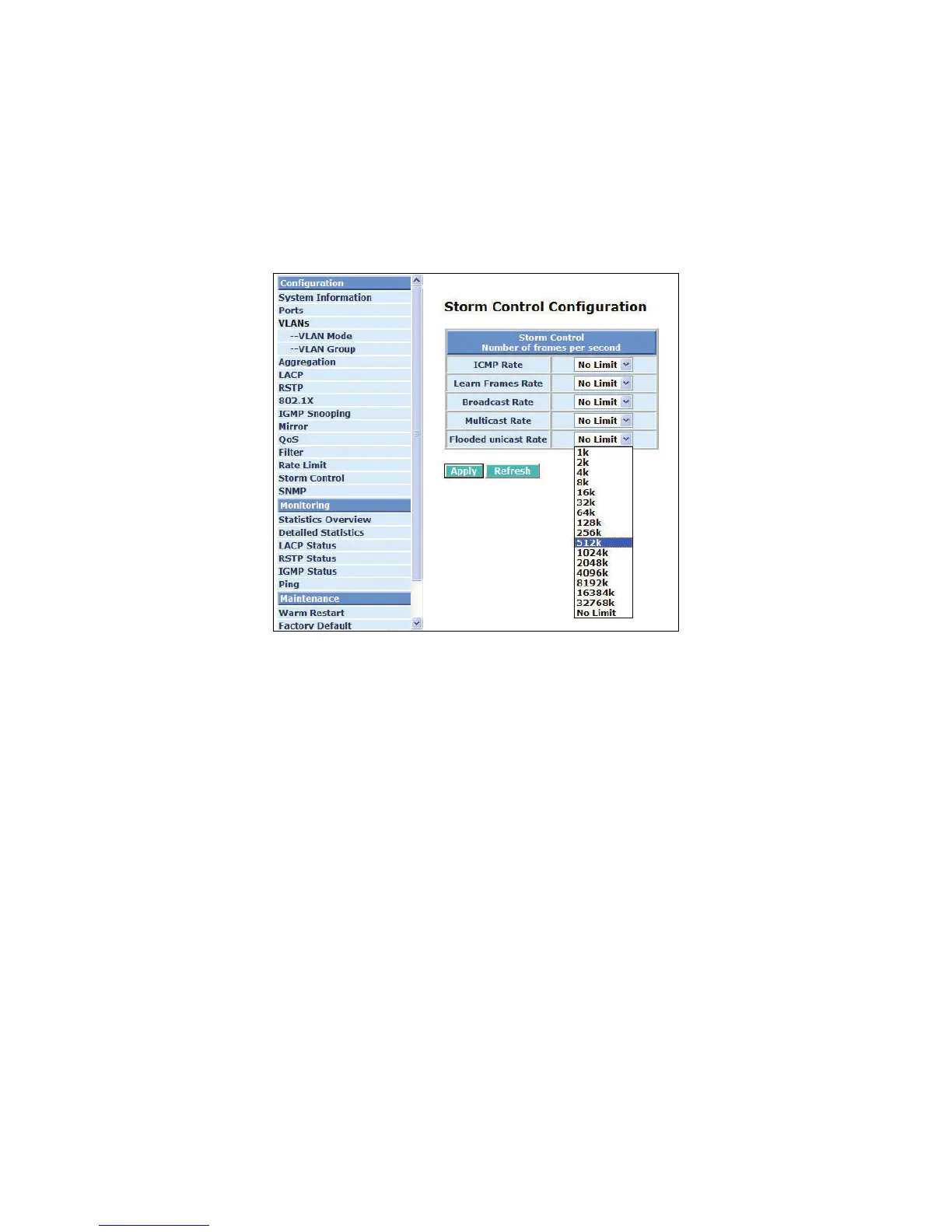
Storm Control is used to block unnecessary multicast and broadcast frames that reduce the
switch’s performance. When the function is enabled and Storm Control rate settings are
detected as exceeded, the unnecessary frames would be dropped.
Fig.4-26 Storm Control Configuration
Parameter description:
ICMP Rate:
To enable the ICMP Storm capability, the User can use the drop-down menu to select number
of frames. Default is No Limit. The setting range is 1k~1024k per second.
Learn Frames Rate:
To enable the Learn Frames Storm capability the User can use the drop-down menu to select
number of frames. Default is No Limit. The setting range is 1k~1024k per second.
Broadcast Rate:
To enable the Broadcast Storm capability the User can use the drop-down menu to select
number of frames. Default is No Limit. The setting range is 1k~1024k per second.
Multicast Rate:
To enable the Multicast Storm capability the User can use the drop-down menu to select
number of frames. Default is No Limit. The setting range is 1k~1024k per second.
Flooded unicast Rate:
To enable the Flooded unicast Storm capability the User can use the drop-down menu to select
number of frames. Default is No Limit. The setting range is 1k~1024k per second.
NOTE:
After completing the function’s setting, press <Apply> button to have this function taken effect.



 To Next Page