79
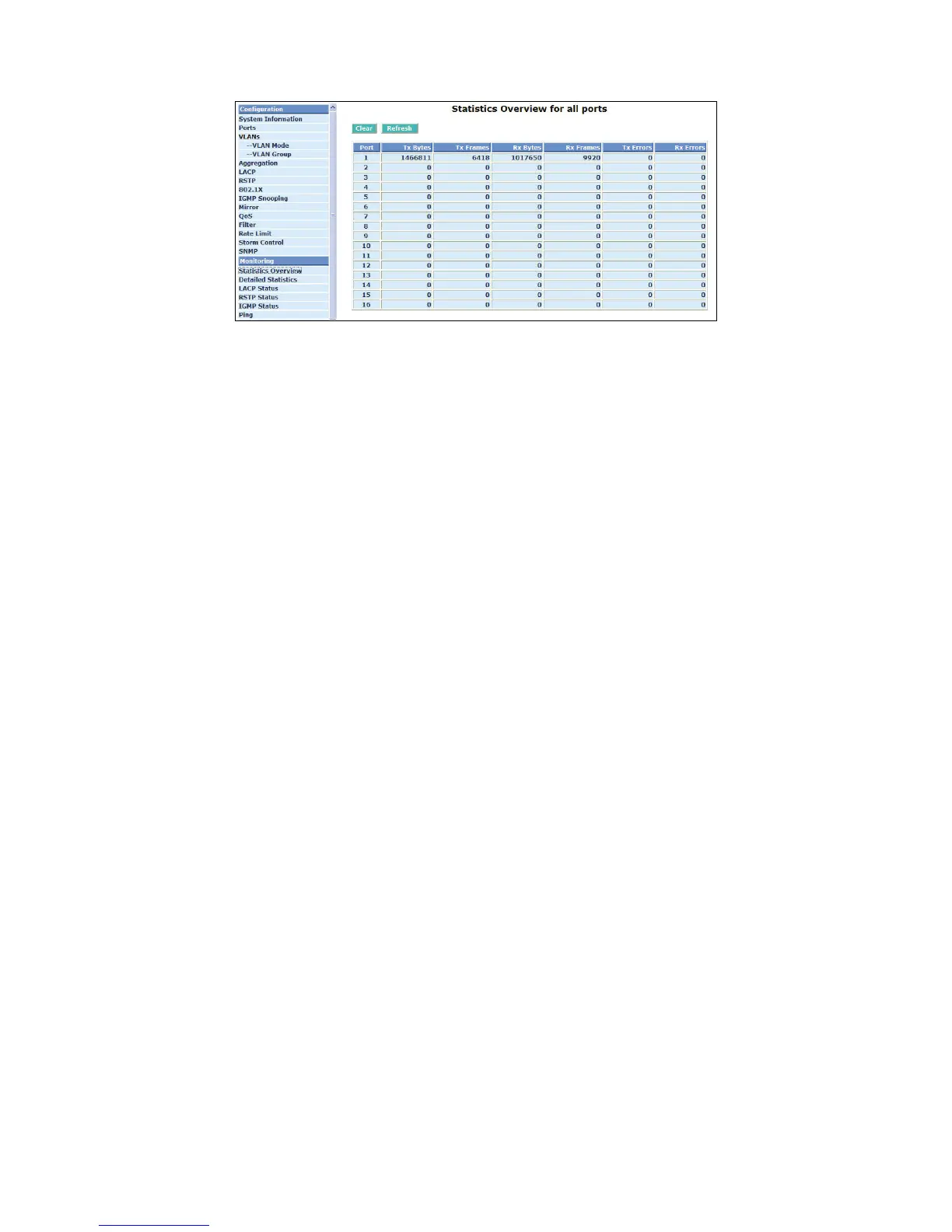
Fig. 4-28 Statistics Overview for all ports
4-3-2. Detailed Statistics
Function name:
Detailed Statistics
Function description:
Display the detailed counting number of each port’s traffic. In the Fig. 4-26, the window can show all
counter information each port at one time.
Parameter description:
Rx Packets:
The counting number of the packet received.
RX Octets:
Total received bytes.
Rx High Priority Packets:
Number of Rx packets classified as high priority.
Rx Low Priority Packets:
Number of Rx packets classified as low priority.
Rx Broadcast:
Show the counting number of the received broadcast packet.
Rx Multicast:
Show the counting number of the received multicast packet.
Rx Broad- and Multicast:
Show the counting number of the received broadcast with multicast packet.
Rx Error Packets:
Show the counting number of the received error packets.
Tx Packets:
The counting number of the packet transmitted.
TX Octets:
Total transmitted bytes.
Tx High Priority Packets:



 To Next Page