57
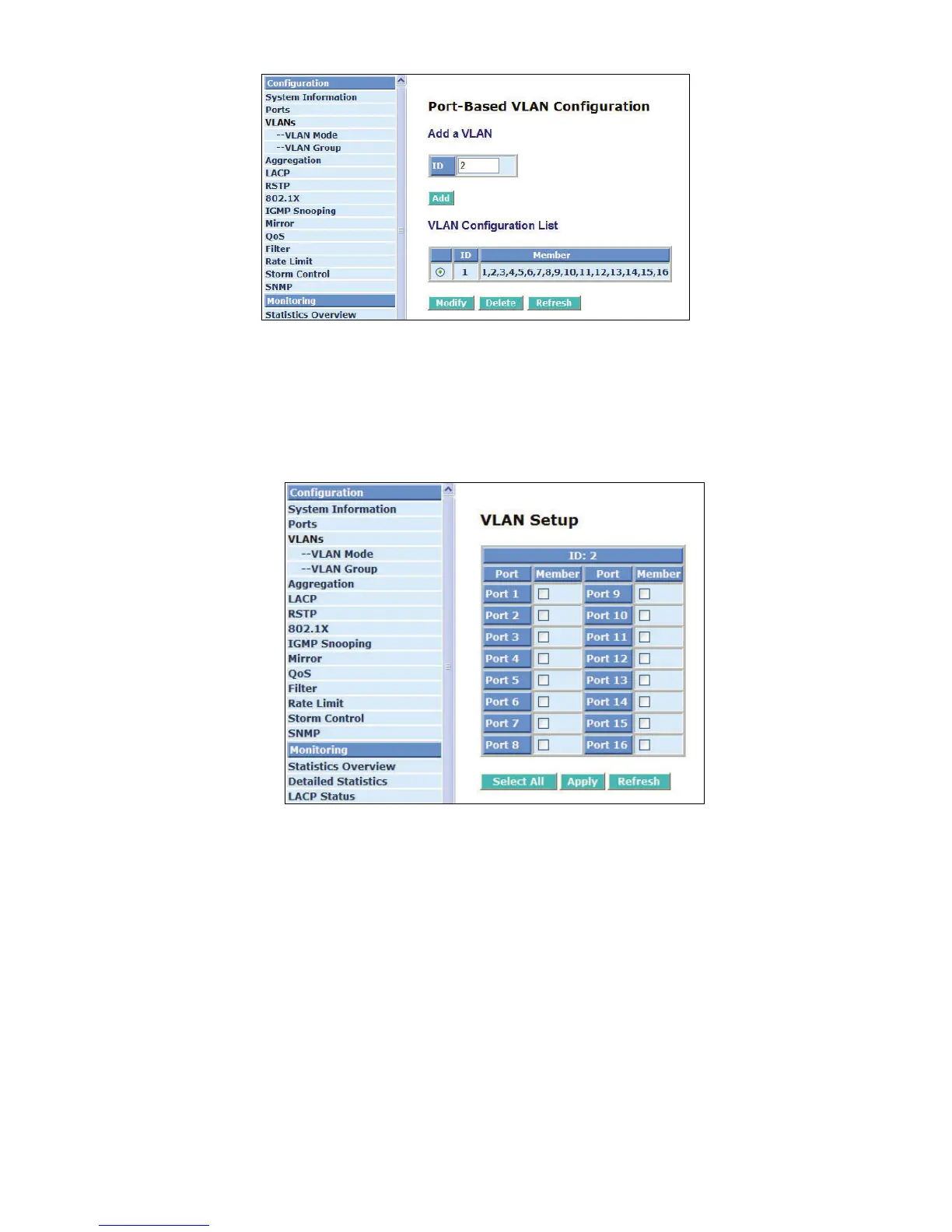
Fig. 4-7 Port-Based VLAN Configuration
Add Group:
Create a new port-based VLAN or tag-based VLAN, which depends on the VLAN mode you
choose in VLAN mode function.
Fig. 4-8 Add or Remove VLAN Member
Delete Group:
Just tick the check box (
;) beside the ID, then press the <Delete> button to delete the group.



 To Next Page